
 Sign in to Mod The Sims
 Barstool Deranchyfied!
 Barstool Deranchyfied!


barstool-deranch-1.jpg - width=1024 height=768
barstool-deranch-2.jpg - width=1024 height=768
barstool-deranch-3.jpg - width=1024 height=768
barstool-deranch-4.jpg - width=1024 height=768
barstool-deranch-5.jpg - width=1024 height=768
barstool-deranch-6.jpg - width=1024 height=768

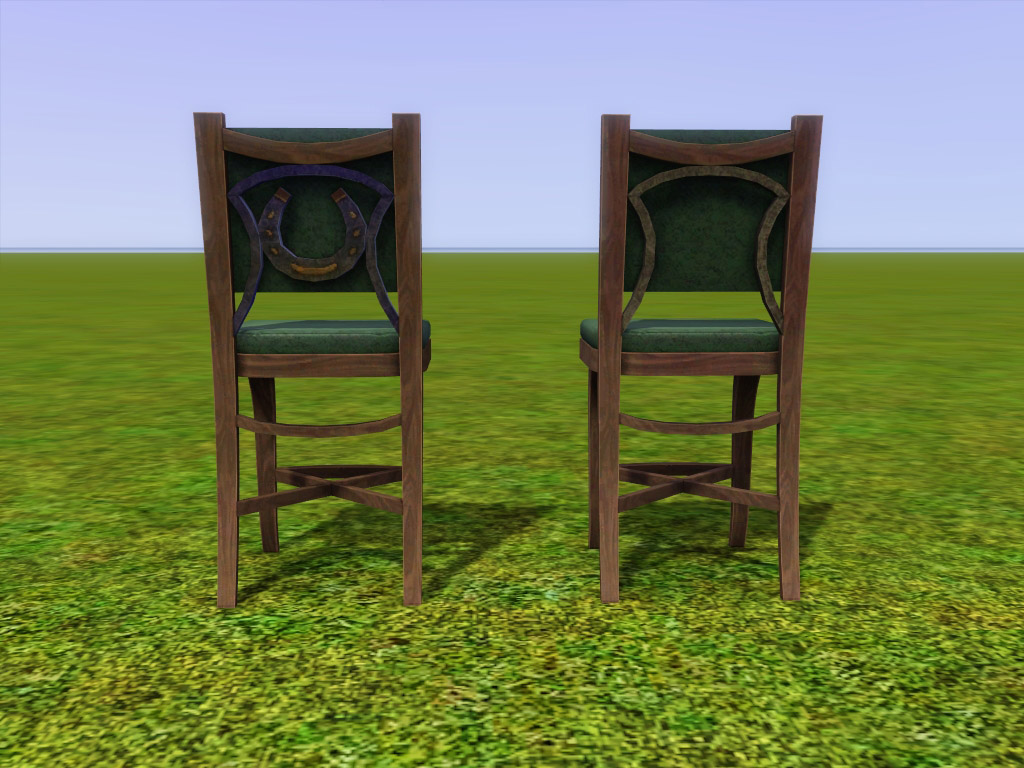
So I finally decided to stop griping and get off my ass to create a version of the Ranch Barstool minus the ranch!
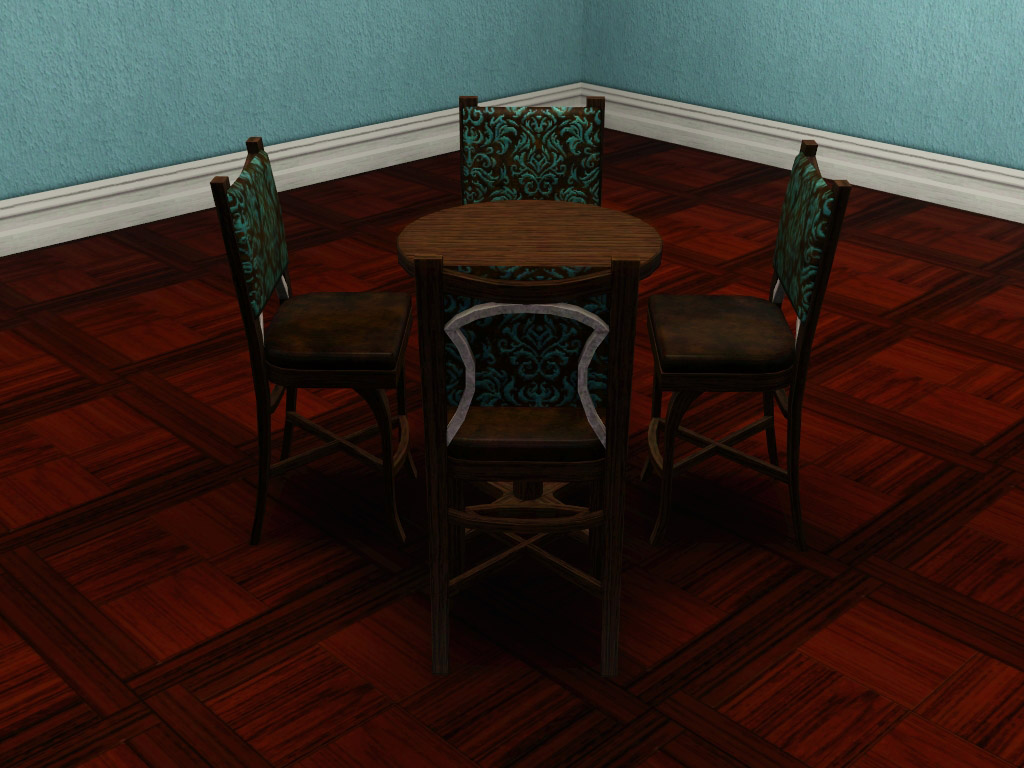
It's essentially the same chair, except I removed the ironwork from the back. I tweaked the textures some to make it less shiny than the original version because I imagined using wooden patterns on the chair instead of metal ones like before. I also redid the channels so that the back cushion and seat cushion now recolor separately.
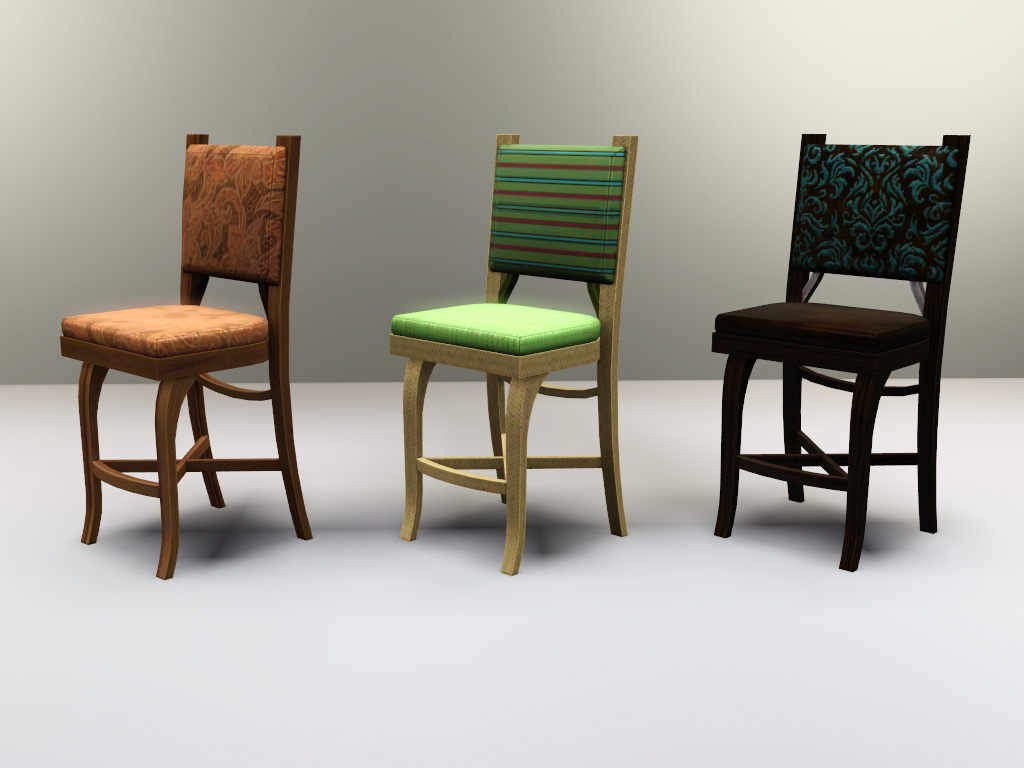
Object Details:
Name: Barstool "Deranchyfied"
Price: 400
Category: Comfort/Miscellaneous
Channels: 4
Polygon Counts:
892
This is a new mesh, and means that it's a brand new self contained object that usually does not require a specific Pack (although this is possible depending on the type). It may have Recolours hosted on MTS - check below for more information.
|
daluved1_Barstool-Deranchyfied-PACKAGE.rar
Download
Uploaded: 1st Jun 2012, 225.7 KB.
5,103 downloads.
|
||||||||
| For a detailed look at individual files, see the Information tab. | ||||||||
Install Instructions
1. Click the download button, or the filename, to download the file to your computer.
2. Extract the zip, rar, or 7z file. Now you will have either a .package or a .sims3pack file.
For Package files:
1. Cut and paste the file into your Documents\Electronic Arts\The Sims 3\Mods\Packages folder. If you do not already have this folder, you should read the full guide to Package files first: Sims 3:Installing Package Fileswiki, so you can make sure your game is fully patched and you have the correct Resource.cfg file.
2. Run the game, and find your content where the creator said it would be (build mode, buy mode, Create-a-Sim, etc.).
For Sims3Pack files:
1. Cut and paste it into your Documents\Electronic Arts\The Sims 3\Downloads folder. If you do not have this folder yet, it is recommended that you open the game and then close it again so that this folder will be automatically created. Then you can place the .sims3pack into your Downloads folder.
2. Load the game's Launcher, and click on the Downloads tab. Find the item in the list and tick the box beside it. Then press the Install button below the list.
3. Wait for the installer to load, and it will install the content to the game. You will get a message letting you know when it's done.
4. Run the game, and find your content where the creator said it would be (build mode, buy mode, Create-a-Sim, etc.).
Extracting from RAR, ZIP, or 7z: You will need a special program for this. For Windows, we recommend 7-Zip and for Mac OSX, we recommend Keka. Both are free and safe to use.
Need more help?
If you need more info, see:
- For package files: Sims 3:Installing Package Fileswiki
- For Sims3pack files: Game Help:Installing TS3 Packswiki
Loading comments, please wait...


Uploaded: 1st Jun 2012 at 3:38 PM
-
by xdarkshadowx 6th Aug 2009 at 9:57pm
 79
89.8k
185
79
89.8k
185
-
-
by Odysseus1960 8th Jan 2010 at 9:52pm
39
75.8k
94
-
Canonical Kitchen Chair – Update 2014-08-27: post-Pets fix!
by plasticbox updated 2nd Sep 2014 at 8:39pm
22
51k
82
-
-
by TheJim07 18th Mar 2015 at 9:08pm
7
16.2k
96
-
-
by enable_llamas 10th May 2020 at 5:38pm
8
5k
18
-
by enable_llamas 23rd Dec 2020 at 7:56pm
4
4.8k
18
-
by enable_llamas 11th Jun 2021 at 9:37pm
4
3.5k
10


-
Simple Dinnerware: Default Replacement (Set 3 of 3)
by daluved1 27th Nov 2010 at 9:33pm
Even more dinnerware sets for your sims! more...
7
25.6k
58
-

-
Medieval Plumbing - Ye Olde Kingdom of Pudding
by The Merrye Makers 18th Dec 2011 at 11:18pm
A chamber pot (toilet), shower, and bathtub for the bladder and hygiene needs of Ye Olde Kingdom of Pudding residents. more...
14
73.7k
181
-
Pretty Watches for Your Pretty Fems
by daluved1 9th Jul 2009 at 7:35am
So as always, there's a background story to my uploads. Anyhoos, I just got me a fabulous new Dior watch! more...
23
58.7k
93
-
-
Just Flats! - New Shoes for Children
by daluved1 updated 11th Nov 2010 at 6:31pm
It's a shander fer de kinder to not have flats! more...
-
by daluved1 15th Jan 2011 at 12:14pm
The House Dress The husband has left for work and the kids have gone off to more...
14
74.3k
134
Female » Mixed Sets » Adult
-
-
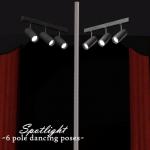
Spotlight -- 6 Exotic Dance Poses
by Puss 'N Heels 4th Jan 2015 at 8:59pm
Another small set of pole dancing poses, with a focus on inversions and splits. more...
2
38.4k
74
-
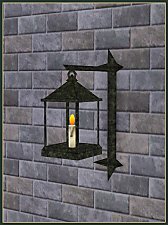
Medieval Lighting - Ye Olde Kingdom of Pudding
by The Merrye Makers 11th Dec 2011 at 2:49pm
A collection of medieval lanterns made by Hekate999 for The Merrye Makers. Includes floor, wall, and table lanterns. more...
8
45.1k
134


About Me
Because my policy is really inconsistent on my uploads, I've decided to make an official policy! So whatever you see here on my profile is my current policy. You may disregard any ''policy'' information you see on the actual upload itself.
-You may use my creations with sims
-You may use my objects with lots.
-You may retexture my meshes.
-You may include my meshes with retextures.
-You may NOT upload my creations with sims
-You may NOT upload my objects with lots.
-You may NOT upload my creations to paysites.
-You may NOT upload my creations to the exchange.
-Always credit me with a link
-I do NOT take requests!