
 Sign in to Mod The Sims
 Juliet Grace
 Juliet Grace


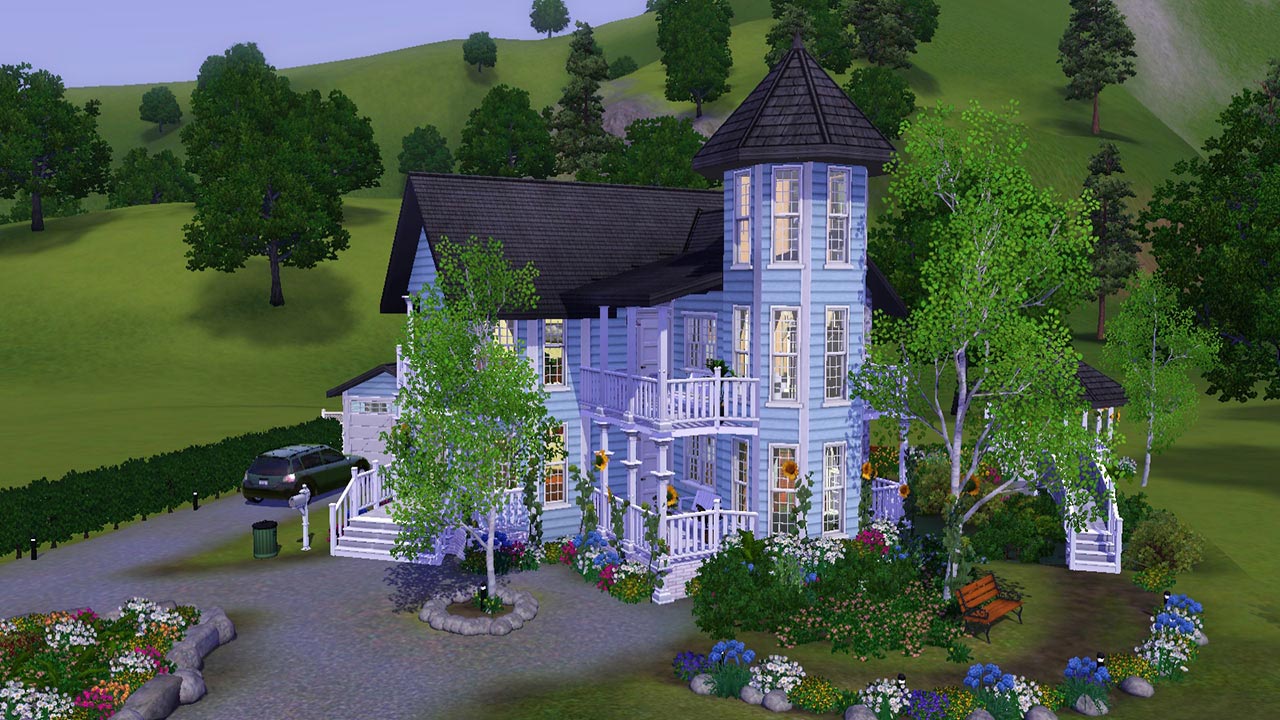
Screenshot.jpg - width=1280 height=720
Front street view
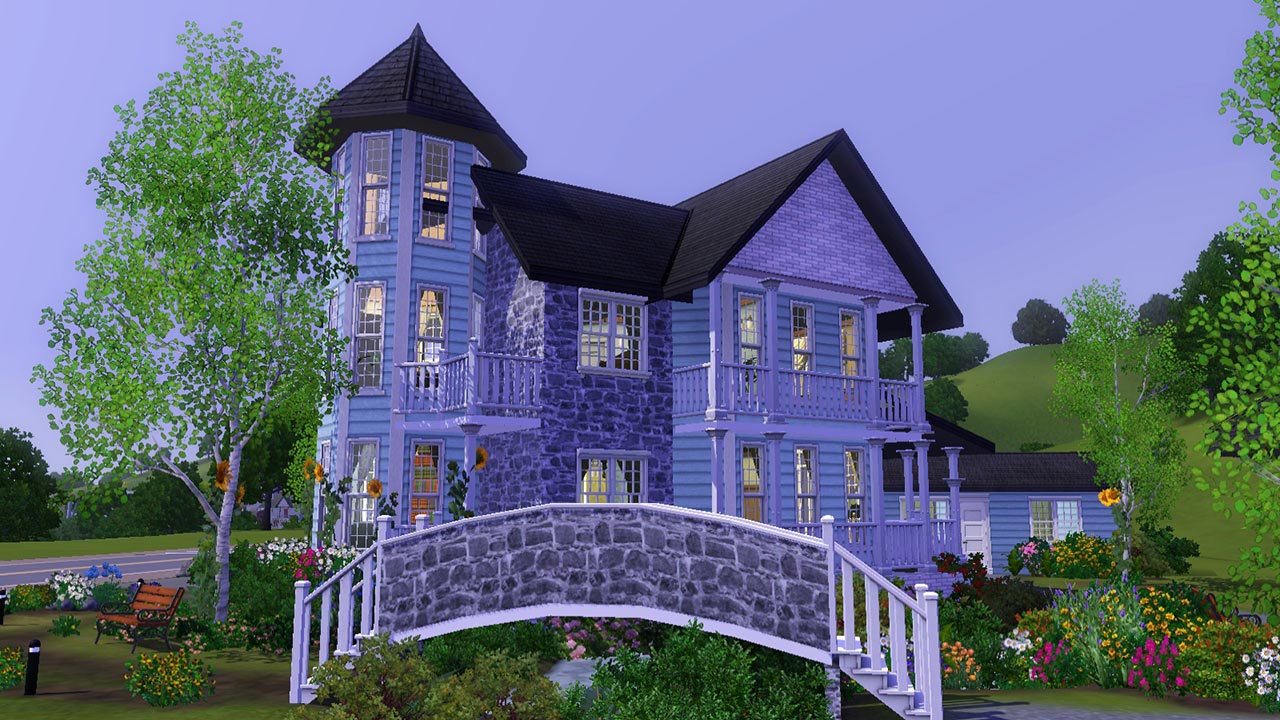
Screenshot-2.jpg - width=1280 height=720
Front right side
Screenshot-3.jpg - width=1280 height=720
Side bridge
Screenshot-4.jpg - width=1280 height=720
Rear view
Screenshot-5.jpg - width=1280 height=720
Main living room
Screenshot-6.jpg - width=1280 height=720
Kitchen / dining
Screenshot-7.jpg - width=1280 height=720
1st floor landing
Screenshot-8.jpg - width=1280 height=720
Master suite
Screenshot-9.jpg - width=1280 height=720
Master suite en-suite
Screenshot-10.jpg - width=1280 height=720
Ground floor
Screenshot-11.jpg - width=1280 height=720
1st Floor



The challenge with this lot is, the entire foundation of the house is diagonal, this means that the entire house itself is diagonal.
Personally, I found this quite challenging and is something I've never done before. I've build diagonal portions of houses before, of course, but never an entirely diagonal house, that was something entirely new for me and a lot of fun to do!
Watch the speedbuild video of this lot here: http://www.youtube.com/watch?v=AZvYY3dtIIE
Lot Size: 3x3
Lot Price: $93,811 / $55,734
|
Juliet Grace.zip
Download
Uploaded: 19th Aug 2012, 2.63 MB.
1,186 downloads.
|
||||||||
| For a detailed look at individual files, see the Information tab. | ||||||||
Install Instructions
1. Click the filename or the download button to download the file to your computer.
2. Extract the zip, rar, or 7z file.
2. Select the .sims3pack file you got from extracting.
3. Cut and paste it into your Documents\Electronic Arts\The Sims 3\Downloads folder. If you do not have this folder yet, it is recommended that you open the game and then close it again so that this folder will be automatically created. Then you can place the .sims3pack into your Downloads folder.
5. Load the game's Launcher, and click on the Downloads tab. Select the house icon, find the lot in the list, and tick the box next to it. Then press the Install button below the list.
6. Wait for the installer to load, and it will install the lot to the game. You will get a message letting you know when it's done.
7. Run the game, and find your lot in Edit Town, in the premade lots bin.
Extracting from RAR, ZIP, or 7z: You will need a special program for this. For Windows, we recommend 7-Zip and for Mac OSX, we recommend Keka. Both are free and safe to use.
Need more help?
If you need more info, see Game Help:Installing TS3 Packswiki for a full, detailed step-by-step guide!
Loading comments, please wait...



 View with Names
Uploaded: 19th Aug 2012 at 12:56 PM
-
by xkamen 16th Jun 2009 at 9:06pm
 6
10.4k
2
6
10.4k
2
-
-
by romagi 26th Jun 2009 at 6:30am
9
12.9k
13
-
-
-
-
-
Victorian Wraparound *CC Free*
by iiNs0mNiiA 7th Nov 2012 at 10:48am
+3 packs
2 13.1k 23 Ambitions
 Generations
 Supernatural
-
by Mlle-Kohaku 9th Dec 2013 at 7:17am
+3 packs
1 6.9k 20 Ambitions
Generations
Supernatural
-


-
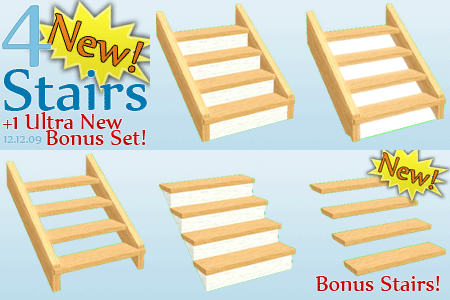
4 New Stairs - Alder Stairs - Upd. 16th Dec, Now CASTable!
by Flabaliki updated 12th Dec 2009 at 1:29pm
Description Have you ever wanted clean, contemporary, decent looking stairs which The Sims 3 so happens to lack drastically? Well more...
66
186k
316
-

-
-
-
-
Organic Brick Color Collection - Flabaliki
by Flabaliki 10th Oct 2007 at 2:41am
---------ORGANIC BRICK COLOR COLLECTION--------- Flabaliki 10th October '07 In this version of the Organic brick collection I’ve only included more...
 4
12.3k
16
4
12.3k
16
-
-
-
Movie Set Collection Part 1 - Suburban Street
by Flabaliki 4th Oct 2007 at 2:54pm
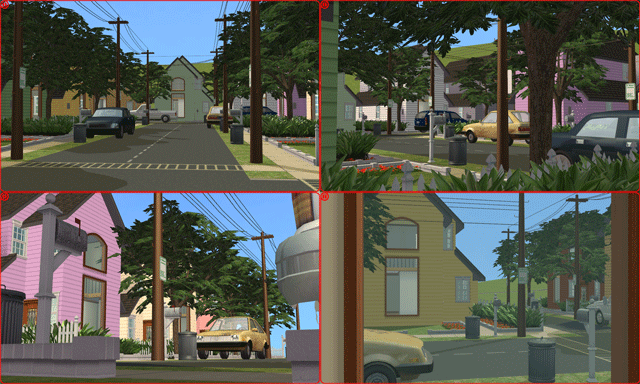
The idea of the collection of residential lots is for those who love to make movies but cannot create the more...
+10 packs
16 17.3k 38 Family Fun
 University
 Glamour Life
 Nightlife
 Celebration
 Open for Business
 Pets
Pets
 H&M Fashion
 Seasons
 Bon Voyage
-


Packs Needed
| Expansion Pack | |
|---|---|
| World Adventures |
| Ambitions |
| Pets |