
 Sign in to Mod The Sims
 Classic Suburban Starter
 Classic Suburban Starter


1.jpg - width=1856 height=1042
2.jpg - width=1521 height=1056
3.jpg - width=1920 height=1080
4.jpg - width=1776 height=1045
5.jpg - width=1920 height=1080
6.jpg - width=1920 height=1080
7.jpg - width=1920 height=1080
8.jpg - width=1920 height=1080
9.jpg - width=1920 height=1080
10.jpg - width=1920 height=1080
11.jpg - width=1920 height=1080
12.jpg - width=1546 height=1045


| I just wanted to request a little starter home for 16,500 or under. I love all of your houses, and just wondered if you'd be willing to make a starter home. |
Why, of course I can!
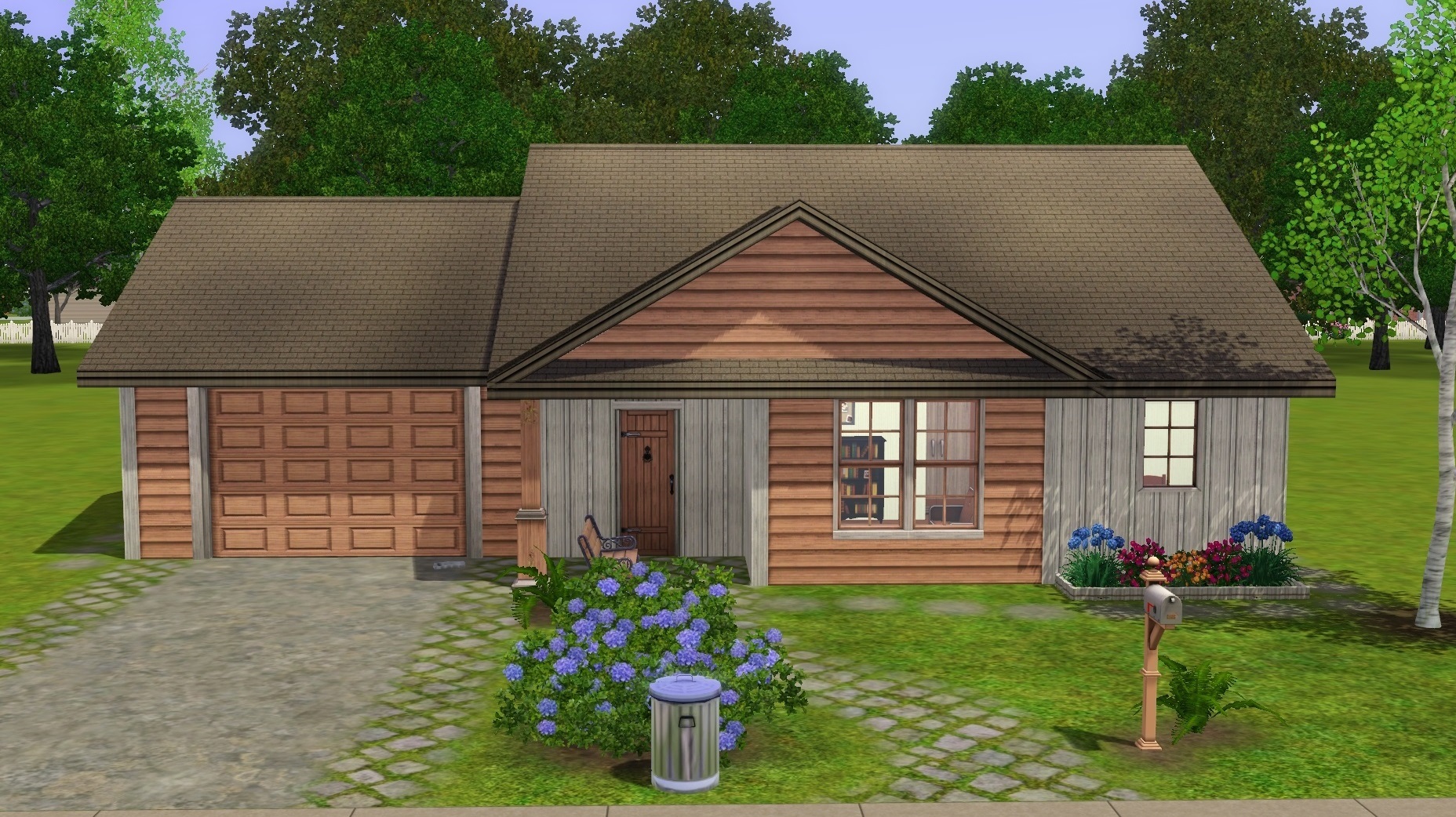
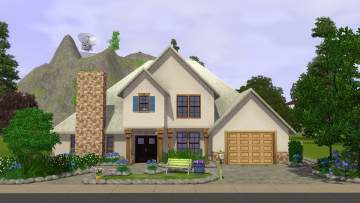
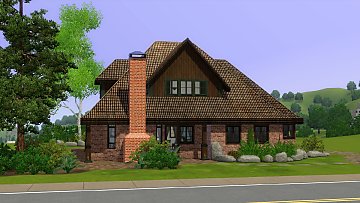
I don't have much experience making starter houses, so I thought of this as somewhat of a challenge. It really is hard to make a nice looking house on a budget, but I think I managed!
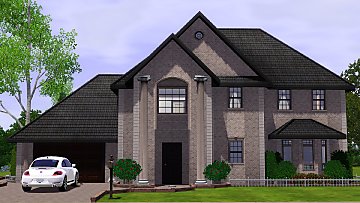
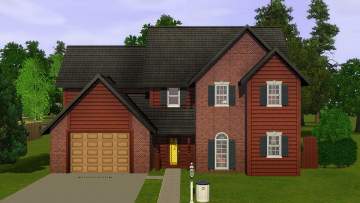
This house has everything you need to start simming; two bedrooms, kitchen, TV and a gaudy blue bathroom. I also made sure the landscaping looks reasonable.
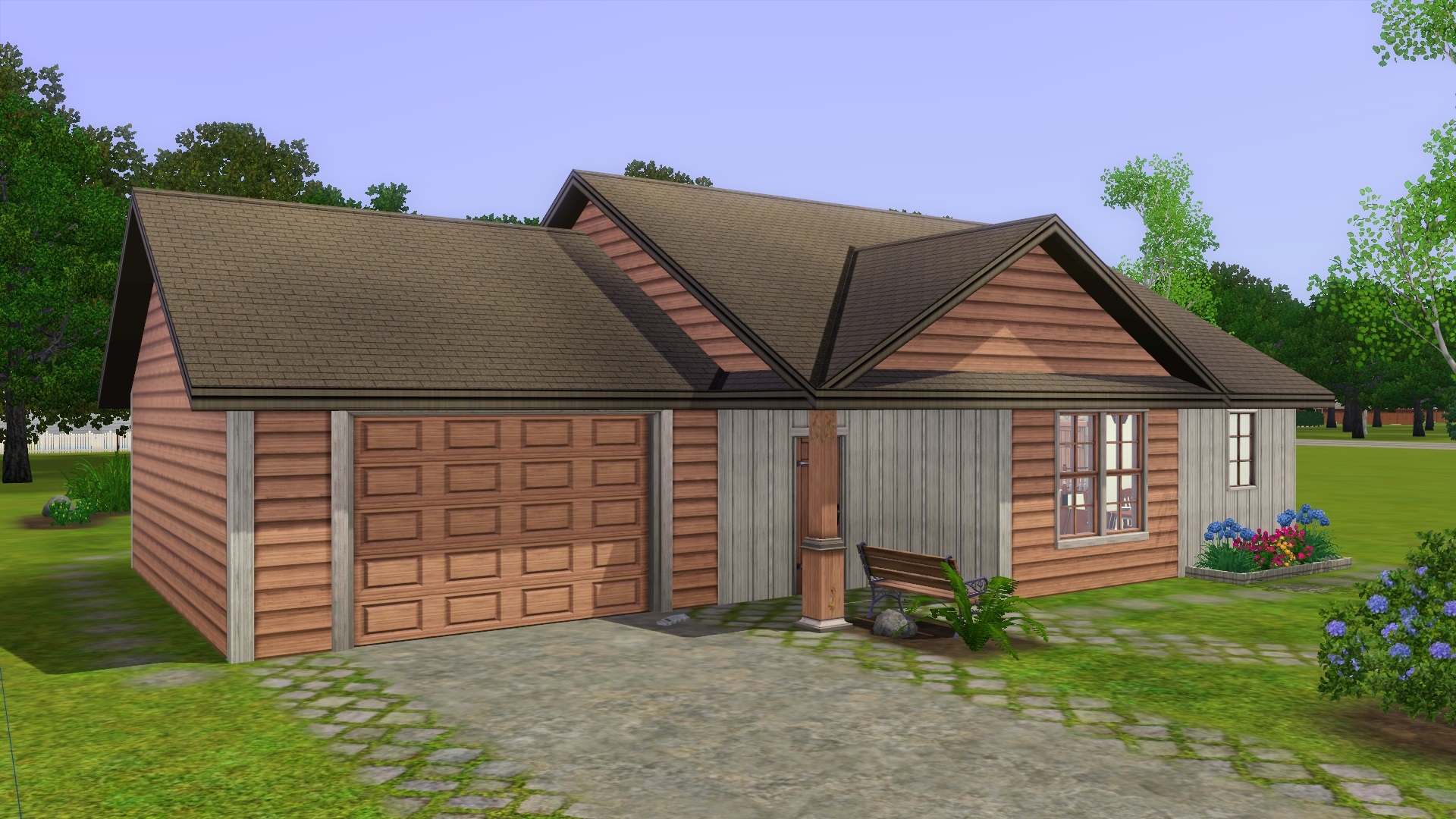
If you don't like the gaudy interior design, please feel free to make your own! Expect to see more starter houses later.
A starter house costs 16,500 or less, but I decided to let you guys have some left over change in your pockets.
Unfurnished: 12,304
Furnished: 15,163
Hope you like it! If you want me to make a house, please feel free to request one!
Lot Size: 20x30
Lot Price: 15,163
|
Suburban Starter.rar
Download
Uploaded: 20th Jun 2014, 886.6 KB.
2,419 downloads.
|
||||||||
| For a detailed look at individual files, see the Information tab. | ||||||||
Install Instructions
1. Click the filename or the download button to download the file to your computer.
2. Extract the zip, rar, or 7z file.
2. Select the .sims3pack file you got from extracting.
3. Cut and paste it into your Documents\Electronic Arts\The Sims 3\Downloads folder. If you do not have this folder yet, it is recommended that you open the game and then close it again so that this folder will be automatically created. Then you can place the .sims3pack into your Downloads folder.
5. Load the game's Launcher, and click on the Downloads tab. Select the house icon, find the lot in the list, and tick the box next to it. Then press the Install button below the list.
6. Wait for the installer to load, and it will install the lot to the game. You will get a message letting you know when it's done.
7. Run the game, and find your lot in Edit Town, in the premade lots bin.
Extracting from RAR, ZIP, or 7z: You will need a special program for this. For Windows, we recommend 7-Zip and for Mac OSX, we recommend Keka. Both are free and safe to use.
Need more help?
If you need more info, see Game Help:Installing TS3 Packswiki for a full, detailed step-by-step guide!
Loading comments, please wait...
Uploaded: 20th Jun 2014 at 3:19 PM
Updated: 16th Dec 2014 at 4:42 PM
-
by swetcaramel7983 27th Jun 2009 at 11:25pm
 10
11.7k
8
10
11.7k
8
-
by karlik-nos 15th Jul 2009 at 10:21pm
4
9.3k
13
-
by karlik-nos 24th Jul 2009 at 10:37pm
9
12.3k
13
-
by uec397 6th Oct 2009 at 1:36am
3
14.1k
3
-
-
-
-
by stonee206 21st Oct 2014 at 8:03pm
15
17.1k
91
-
by stonee206 26th Oct 2014 at 3:30pm
10
12.2k
51
-






About Me
Want to create and upload your own version of my stuff? Feel free, just PM me when you do so, and give me proper credit.
Requests
I do take reqests, but there is no guarantee that your house will be made. Make sure to give me as much information as you can. :)