Sign in to Mod The Sims
 Bad Girls Club Season 8 Cast Poses
 Bad Girls Club Season 8 Cast Poses


Screenshot-29.jpg - width=1280 height=768
Screenshot-40.jpg - width=1280 height=768
Danni(Queen)
Screenshot-38.jpg - width=1280 height=768
Amy
Screenshot-37.jpg - width=1280 height=768
Erica
Screenshot-36.jpg - width=1280 height=768
Gabi(Princess)
Screenshot-32.jpg - width=1280 height=768
Gia
Screenshot-31.jpg - width=1280 height=768
Demitra(Mimi)
Screenshot-30.jpg - width=1280 height=768
Queen Jenna
bgc8-orange.jpg - width=635 height=502

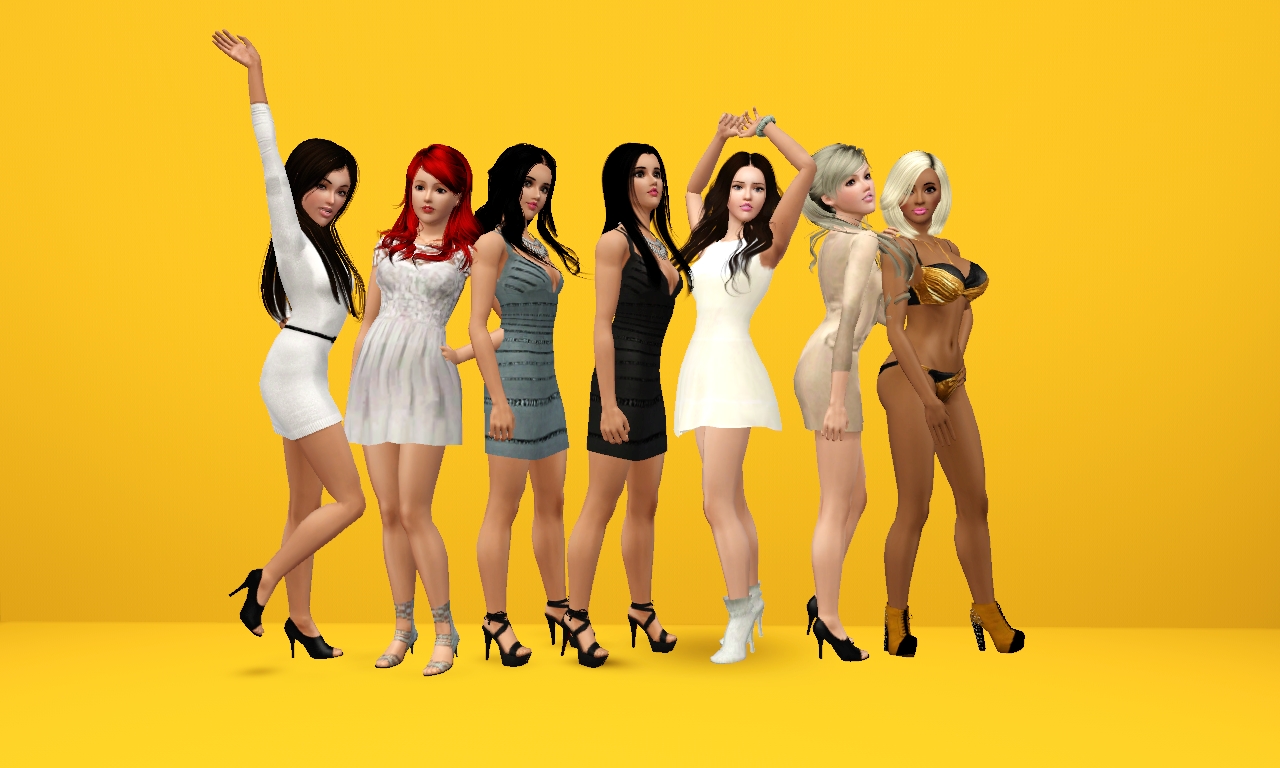
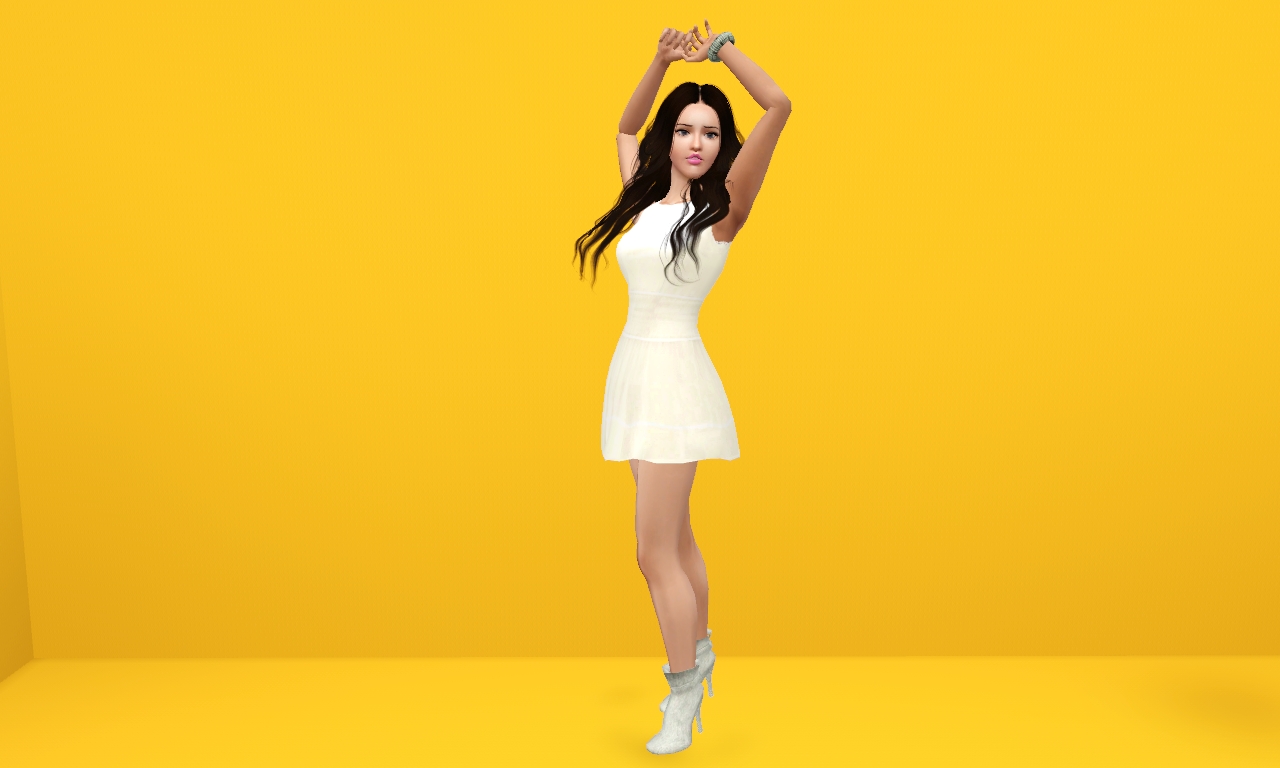
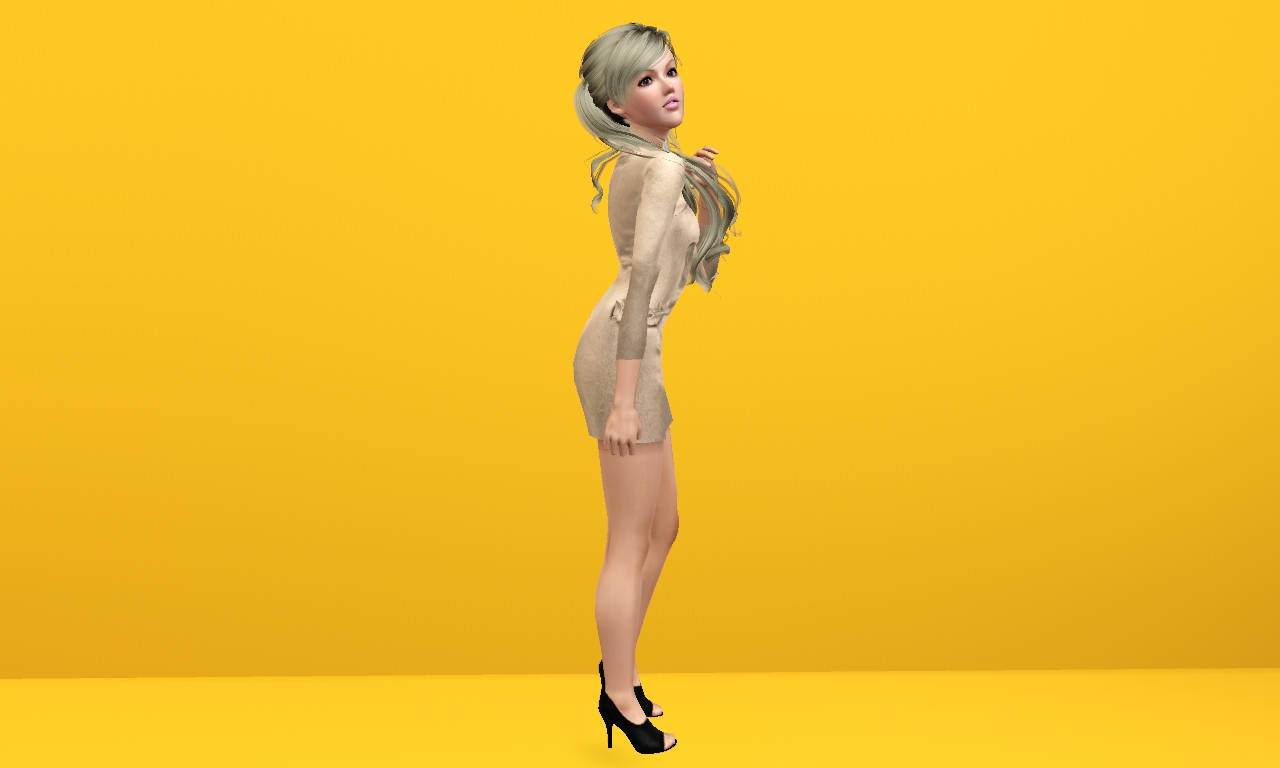
YOU WILL NEED CMO's POSE PLAYER: http://www.modthesims.info/download.php?t=438706
This is a pose LIST, if you want to do it by the code here:
a_badgirls8_amy
a_badgirls8_danni
a_badgirls8_erica
a_badgirls8_mimi
a_badgirls8_gabi
a_badgirls8_gia
a_badgirls8_jenna
Questions? Feel free to ask or @ me on twitter: @xMediaz
Inspired by Sleepy-Genius
Additional Credits:
Blender
Paint.net
Pose Player and Pose Pack Creator by CMO
Youtube Tutorials
My Woes
|
BGC8 Poses -xMediaz.rar
Download
Uploaded: 8th Jun 2015, 67.9 KB.
11,994 downloads.
|
||||||||
| For a detailed look at individual files, see the Information tab. | ||||||||
Install Instructions
1. Click the download button, or the filename, to download the file to your computer.
2. Extract the zip, rar, or 7z file. Now you will have either a .package or a .sims3pack file.
For Package files:
1. Cut and paste the file into your Documents\Electronic Arts\The Sims 3\Mods\Packages folder. If you do not already have this folder, you should read the full guide to Package files first: Sims 3:Installing Package Fileswiki, so you can make sure your game is fully patched and you have the correct Resource.cfg file.
2. Run the game, and find your content where the creator said it would be (build mode, buy mode, Create-a-Sim, etc.).
For Sims3Pack files:
1. Cut and paste it into your Documents\Electronic Arts\The Sims 3\Downloads folder. If you do not have this folder yet, it is recommended that you open the game and then close it again so that this folder will be automatically created. Then you can place the .sims3pack into your Downloads folder.
2. Load the game's Launcher, and click on the Downloads tab. Find the item in the list and tick the box beside it. Then press the Install button below the list.
3. Wait for the installer to load, and it will install the content to the game. You will get a message letting you know when it's done.
4. Run the game, and find your content where the creator said it would be (build mode, buy mode, Create-a-Sim, etc.).
Extracting from RAR, ZIP, or 7z: You will need a special program for this. For Windows, we recommend 7-Zip and for Mac OSX, we recommend Keka. Both are free and safe to use.
Need more help?
If you need more info, see:
- For package files: Sims 3:Installing Package Fileswiki
- For Sims3pack files: Game Help:Installing TS3 Packswiki
Loading comments, please wait...
Uploaded: 8th Jun 2015 at 12:24 PM
#pose, #poses, #bad girls club, #female poses
-
by spladoum 7th May 2012 at 12:22pm
 30
103.3k
164
30
103.3k
164
-
by SenPain 9th Sep 2012 at 9:40am
17
40.8k
83
-
by Sleepy-Genius 25th Oct 2012 at 11:24pm
43
82.5k
127
-
by deivvus 17th May 2013 at 11:34pm
54
93.3k
262
-
by Milenchica 17th May 2013 at 3:01am
5
23.9k
31
-
-
by spladoum 26th Mar 2015 at 9:08pm
31
87.3k
254
-
by spladoum 29th Oct 2015 at 7:29pm
14
44.2k
120
-
-