
 Sign in to Mod The Sims
 Colonial Fireplace - TS3 Conversion
 Colonial Fireplace - TS3 Conversion


fireplace01.jpg - width=1024 height=611
fireplace02.jpg - width=1024 height=611
mirror.jpg - width=1024 height=611
mirror01.jpg - width=768 height=718
colonialFireplace.jpg - width=850 height=664

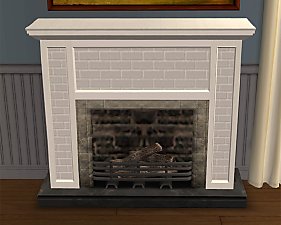
The fireplace and mirror are two separate objects to be placed. The mirror is in an odd place if used by itself since the mesh was placed in the footprint to allow it to fit snugly into the fireplace. The mirror is priced at §0 because it really only was designed for the fireplace, and the fireplace already costs §1850.
- Fireplace is in Build/Fireplace for §1850
- Mirror is in Deco/Mirrors for §0
Fireplace
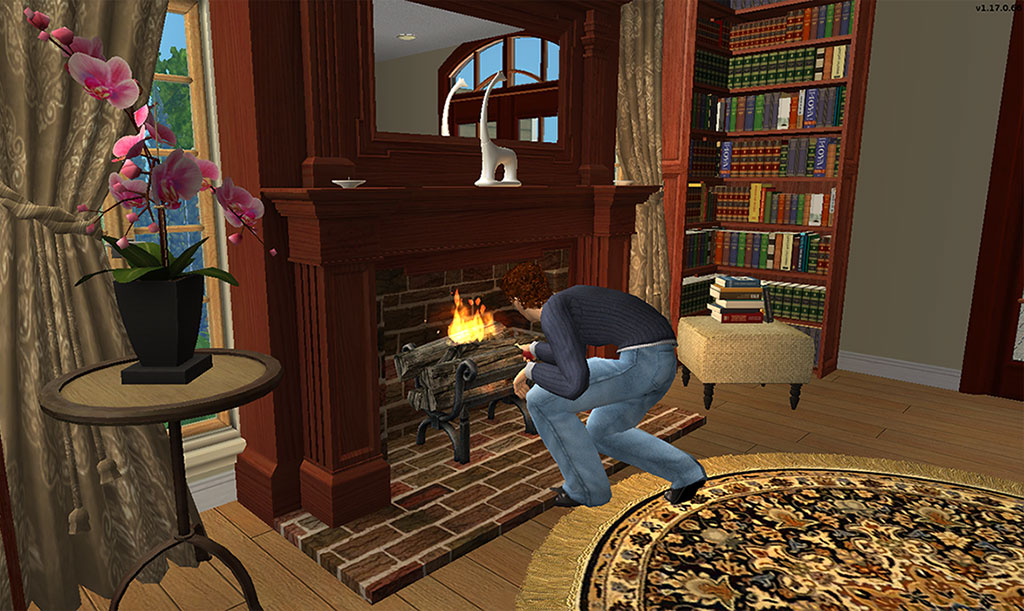
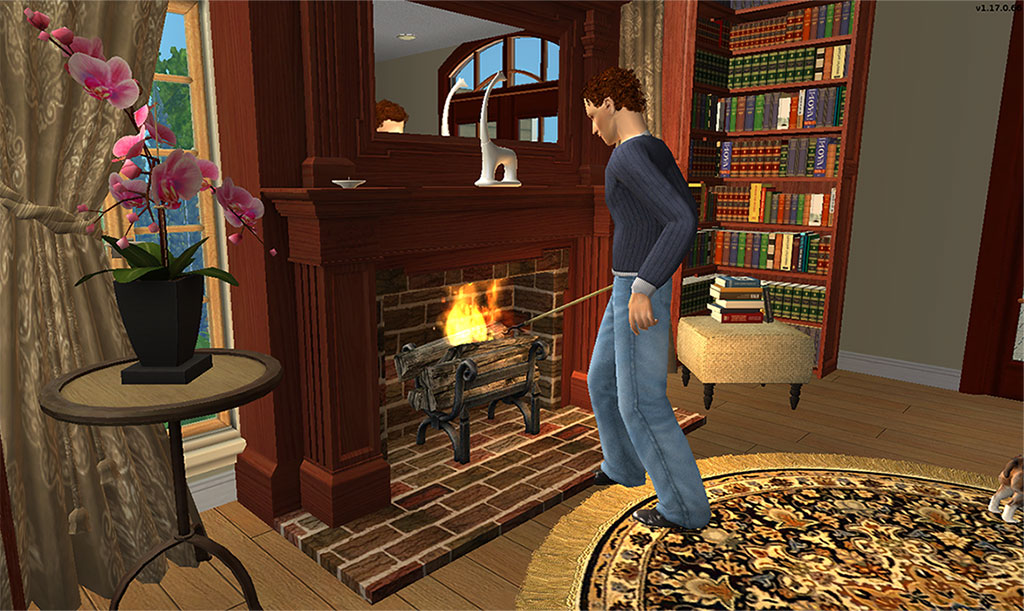
Mirror
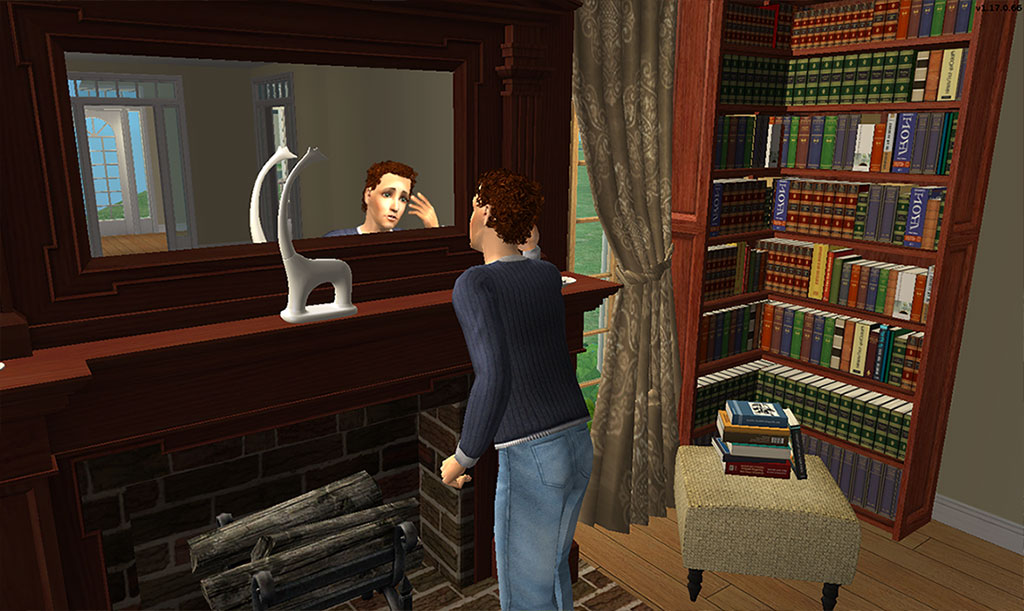
The mirror will require the use of the moveobjects cheat to place. Now normally I can override this easily in the BHAV, but mirrors don't have them in the package by default. And in my OCD quest to have packages as lean as I know how to make, I didn't feel the need to add in resources just to avoid this. I also felt this is acceptable since once placed you probably won't be moving either the fireplace or the mirror.
As you can see sims have no difficulty using either the fireplace or the mirror when placed.
Installation
ScriptoriumNo Scriptorium
- Put the text file in C:\Users\UserName\Documents\EA Games\The Sims 2\Downloads\Scriptorium_Fireplaces
- Append the contents of the text file to the C:\Program Files (x86)\EA GAMES\The Sims 2\TSData\Res\Catalog\Scripts\fireplaces.txt file
If you would like to recolor these I have the UVMaps Here
Polygon Counts:
Fireplace - 2893
Mirror - 14
This is a new mesh, and means that it's a brand new self contained object that usually does not require a specific Pack (although this is possible depending on the type). It may have Recolours hosted on MTS - check below for more information.
|
HL_ColonialFireplaceTS3Convert.rar
Download
Uploaded: 8th Jul 2021, 644.5 KB.
34,449 downloads.
|
||||||||
| For a detailed look at individual files, see the Information tab. | ||||||||
Install Instructions
1. Download: Click the download link to save the .rar or .zip file(s) to your computer.
2. Extract the zip, rar, or 7z file.
3. Place in Downloads Folder: Cut and paste the .package file(s) into your Downloads folder:
- Origin (Ultimate Collection): Users\(Current User Account)\Documents\EA Games\The Sims™ 2 Ultimate Collection\Downloads\
- Non-Origin, Windows Vista/7/8/10: Users\(Current User Account)\Documents\EA Games\The Sims 2\Downloads\
- Non-Origin, Windows XP: Documents and Settings\(Current User Account)\My Documents\EA Games\The Sims 2\Downloads\
- Mac: Users\(Current User Account)\Documents\EA Games\The Sims 2\Downloads
- Mac x64: /Library/Containers/com.aspyr.sims2.appstore/Data/Library/Application Support/Aspyr/The Sims 2/Downloads
- For a full, complete guide to downloading complete with pictures and more information, see: Game Help: Downloading for Fracking Idiots.
- Custom content not showing up in the game? See: Game Help: Getting Custom Content to Show Up.
- If you don't have a Downloads folder, just make one. See instructions at: Game Help: No Downloads Folder.
Loading comments, please wait...


Uploaded: 16th Apr 2010 at 11:55 PM
Updated: 8th Jul 2021 at 1:57 PM
-
by hopebayler 27th Jul 2006 at 8:49pm
 3
11.9k
1
3
11.9k
1
-
-
-
-
-
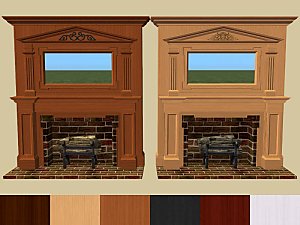
-
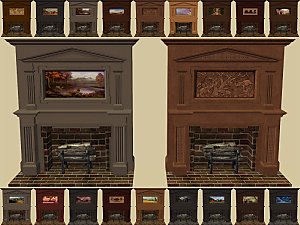
-
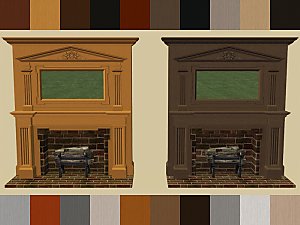
-
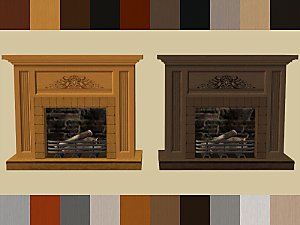
-


-
by HugeLunatic 12th Jan 2009 at 4:19pm
A set of nine quilted beddings. more...
-
C-C-C-Chandelower - Lighting Fix
by HugeLunatic updated 17th Jul 2020 at 3:21pm
This fixes the height of the light cast by the M&G two story chandelier. more...
+1 packs
5 9.5k 41 Mansion and Garden
-
by HugeLunatic 28th Feb 2016 at 2:11pm
The cute little penguin from Seasons now an indoor sculpture. more...
14
8.4k
30
-

by HugeLunatic 14th Oct 2014 at 10:34pm
Cottage style boards, one with trim and one without. Each board has 16 colors (Yeti palette) packaged. more...
 22
27.2k
102
22
27.2k
102
-
by HugeLunatic 21st Oct 2011 at 10:39am
While looking through the games files to find the OBJD for some of WA Asian objects to remove stencils, I more...
 +1 packs
6 23.8k 72
+1 packs
6 23.8k 72 World Adventures
-
by HugeLunatic 14th Mar 2011 at 1:40pm
The "Gone Legit" door from NL is a single tile door and has a different mesh inside/outside, so you cannot more...
12
25k
39
-
by HugeLunatic updated 16th Apr 2010 at 3:12pm
I really like the modern design of the vRoom! more...
-
-
"Sheep and Sheep" Painting [CEP-EXTRA]
by HugeLunatic updated 17th Jun 2025 at 2:03am
Childs painting from FreeTime that makes the canvas and frame separately recolorable. more...
+1 packs
3 20.7k 28 Free Time
-
by HugeLunatic updated 12th Nov 2022 at 6:28pm
+1 packs
6 3.5k 13 Free Time


About Me
Pet Stories || Dog Agility Items? || Castaway Stories || Holy Simoly Extras
4esf Archive || Holy Simoly Archive || CEP-Extras List || Buyable Game Objects
lunie content from GoS/s2a
 Installation of CEP Extras
-the package with pfiles appended to the name will go into your cep extras folder where your game is installed (typically c drive, you do you)
-the other goes in CEP extra folder in documents.
The following locations are what I am aware of, beyond that you'll have to do some searching.
Downloads Folder:
C:\Users\<user>\Documents\EA Games\The Sims 2 Legacy
C:\Users\<user>\Documents\EA Games\The Sims 2 Ultimate Collection
With multiple launchers, the location for your game install will vary.
C:\Program Files\EA GAMES\The Sims 2 Legacy\TSData\Res\Catalog\zCEP-EXTRA
C:\Program Files\EA GAMES\The Sims 2\TSData\Res\Catalog\zCEP-EXTRA
C:\Program Files (x86)\EA GAMES\The Sims 2\TSData\Res\Catalog\zCEP-EXTRA