
 Sign in to Mod The Sims
 Brinley Lane
 Brinley Lane


back.jpg - width=1280 height=800
floor01.jpg - width=1280 height=800
floor02.jpg - width=1280 height=800
front.jpg - width=1280 height=800
interior01.jpg - width=1280 height=800
interior02.jpg - width=1280 height=800
interior03.jpg - width=1280 height=800
placement.jpg - width=677 height=583

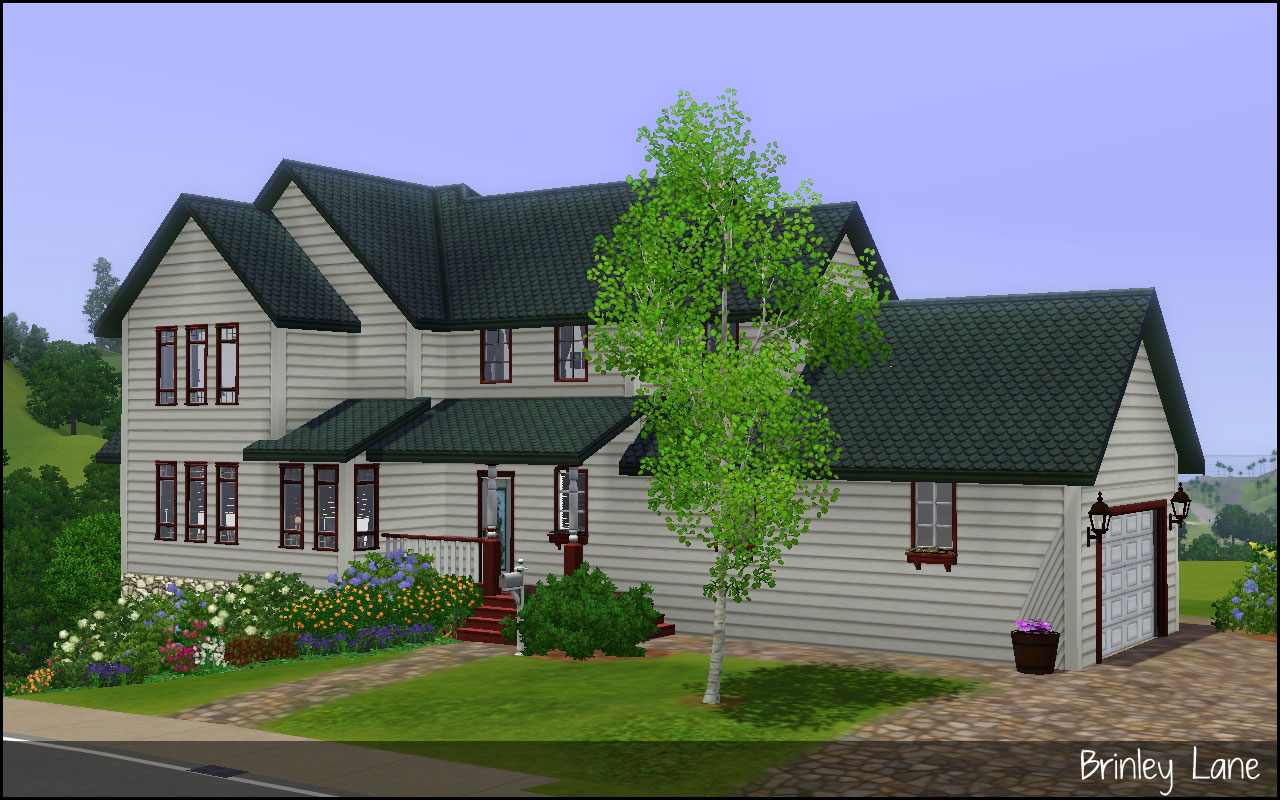
This home features a master bedroom with an attached bath, two additional bedrooms, two more full bathrooms, a laundry room, and an open living/dining/kitchen. There is a sun porch off the end as well as a large deck out back.
Compatibility
I have all EP/SPs but have used build stuff almost exclusively from base game. The living furniture I think is from FLS, but some other is from WA and Amb. If you don't have the EP/SP the furniture came from the game will substitute something else or leave it blank.
CC Shown but Not Included
Bathroom Tiles by Me
Placement
This lot was built on a slope, on the corner of Pinochle Point and Tango St in Sunset Valley. If you want to keep the plants then you will need to place on a sloped lot and then use the smooth terrain tool to fix the edges. If you choose to place on a flat lot you will have to delete all the plants and then flatten the lot using the terrain tool.
Lot Size: 35x25
Lot Price: §185,000/§48,963
|
HL_Brinley Lane.rar
Download
Uploaded: 24th Mar 2011, 1.70 MB.
1,145 downloads.
|
||||||||
| For a detailed look at individual files, see the Information tab. | ||||||||
Install Instructions
1. Click the filename or the download button to download the file to your computer.
2. Extract the zip, rar, or 7z file.
2. Select the .sims3pack file you got from extracting.
3. Cut and paste it into your Documents\Electronic Arts\The Sims 3\Downloads folder. If you do not have this folder yet, it is recommended that you open the game and then close it again so that this folder will be automatically created. Then you can place the .sims3pack into your Downloads folder.
5. Load the game's Launcher, and click on the Downloads tab. Select the house icon, find the lot in the list, and tick the box next to it. Then press the Install button below the list.
6. Wait for the installer to load, and it will install the lot to the game. You will get a message letting you know when it's done.
7. Run the game, and find your lot in Edit Town, in the premade lots bin.
Extracting from RAR, ZIP, or 7z: You will need a special program for this. For Windows, we recommend 7-Zip and for Mac OSX, we recommend Keka. Both are free and safe to use.
Need more help?
If you need more info, see Game Help:Installing TS3 Packswiki for a full, detailed step-by-step guide!
Loading comments, please wait...


 + 1 SPs
Uploaded: 24th Mar 2011 at 6:26 PM
-
-
-
-
by HugeLunatic 6th Mar 2011 at 2:33am
 +3 packs
6 20.4k 23
+3 packs
6 20.4k 23 World Adventures
 Ambitions
 Late Night
-
-
-
-
by plasticbox updated 2nd Sep 2014 at 10:09pm
2
11.8k
52
-
by emo_princess 2nd Feb 2020 at 10:32pm
+5 packs
1 3.5k 6 Ambitions
Late Night
 Generations
 Pets
Pets
 University Life
-
by VanCleveHomes 19th Mar 2023 at 8:27pm
+1 packs
2 2.9k 3 Ambitions


-

-
by HugeLunatic 30th Mar 2022 at 2:13pm
I really liked Loudini’s Chamber of Sprinkles, because...sprinkles. more...
 +2 packs
4 4.2k 25
+2 packs
4 4.2k 25 Glamour Life
 Seasons
-
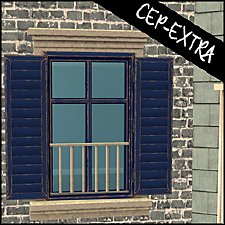
Old World Large Window [CEP-EXTRA]
by HugeLunatic 3rd Feb 2014 at 6:45pm
The two-tile bohemian window from AL only had a single subset, so you could only match the wood portion to more...
+1 packs
5 16.9k 44 Apartment Life
-
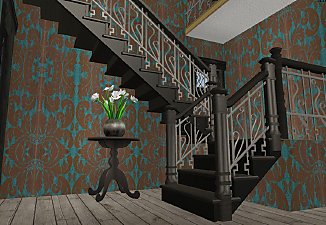
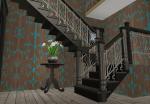
Maxis Art Nouveau Open Underneath *Recolorable* Modular Stairs
by HugeLunatic 12th May 2009 at 5:34pm
Updated 19-Dec-09 - with new script file Apparently the range of numbers I have for my modular stairs conflict with more...
36
115.6k
192
-
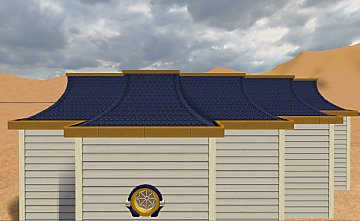
M&G Second Empire Architecture Roof - Halved
by HugeLunatic 4th Aug 2025 at 12:30am
+1 packs
4 2.1k 12 Mansion and Garden
-
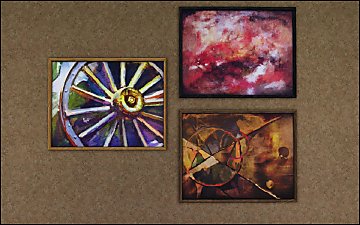
Pets Ranch Paintings [Missing Presets]
by HugeLunatic 1st Jul 2012 at 10:12pm
What it does This mod enables missing images for presets from several Pets paintings, Small Animals, ...A Fool From Any more...
-
by HugeLunatic updated 2nd Apr 2024 at 11:12am
The cute little alien sculpture from AL made recolorable, because maybe in your world aliens are not green. more...
+1 packs
8 26.5k 12 Apartment Life
-
Novellas Nouveau Bookcase Centered
by HugeLunatic 13th Mar 2018 at 8:31pm
A center version of the Art Nouveau bookcase, with books for dharden, from the base game. more...
3
11.7k
36
-
by HugeLunatic 22nd Feb 2015 at 10:52pm
Needed a bit more diversity in my Audio sections. more...
11
11.9k
44
-
by HugeLunatic 10th Mar 2011 at 6:26pm
The one overused and abused object from TS2 that I miss the most is the Aquaplus Shower Stall - with more...
125
167.7k
504


Packs Needed
| Expansion Pack | |
|---|---|
| World Adventures |
| Ambitions |
| Stuff Pack | |
|---|---|
| Fast Lane Stuff |
About Me
Pet Stories || Dog Agility Items? || Castaway Stories || Holy Simoly Extras
4esf Archive || Holy Simoly Archive || CEP-Extras List || Buyable Game Objects
lunie content from GoS/s2a
 Installation of CEP Extras
-the package with pfiles appended to the name will go into your cep extras folder where your game is installed (typically c drive, you do you)
-the other goes in CEP extra folder in documents.
The following locations are what I am aware of, beyond that you'll have to do some searching.
Downloads Folder:
C:\Users\<user>\Documents\EA Games\The Sims 2 Legacy
C:\Users\<user>\Documents\EA Games\The Sims 2 Ultimate Collection
With multiple launchers, the location for your game install will vary.
C:\Program Files\EA GAMES\The Sims 2 Legacy\TSData\Res\Catalog\zCEP-EXTRA
C:\Program Files\EA GAMES\The Sims 2\TSData\Res\Catalog\zCEP-EXTRA
C:\Program Files (x86)\EA GAMES\The Sims 2\TSData\Res\Catalog\zCEP-EXTRA