
 Sign in to Mod The Sims
 MaxoidMonkey's Alienware Computer - Sims 2 Conversion
 MaxoidMonkey's Alienware Computer - Sims 2 Conversion


TS3 version x3.jpg - width=1280 height=593
cycl0n3 x2.jpg - width=1102 height=508
tiling+recoloursx3.jpg - width=1009 height=470
PT9 PC.jpg - width=936 height=619
green thumbnail.jpg - width=311 height=300
Sims2 version x3.jpg - width=727 height=368
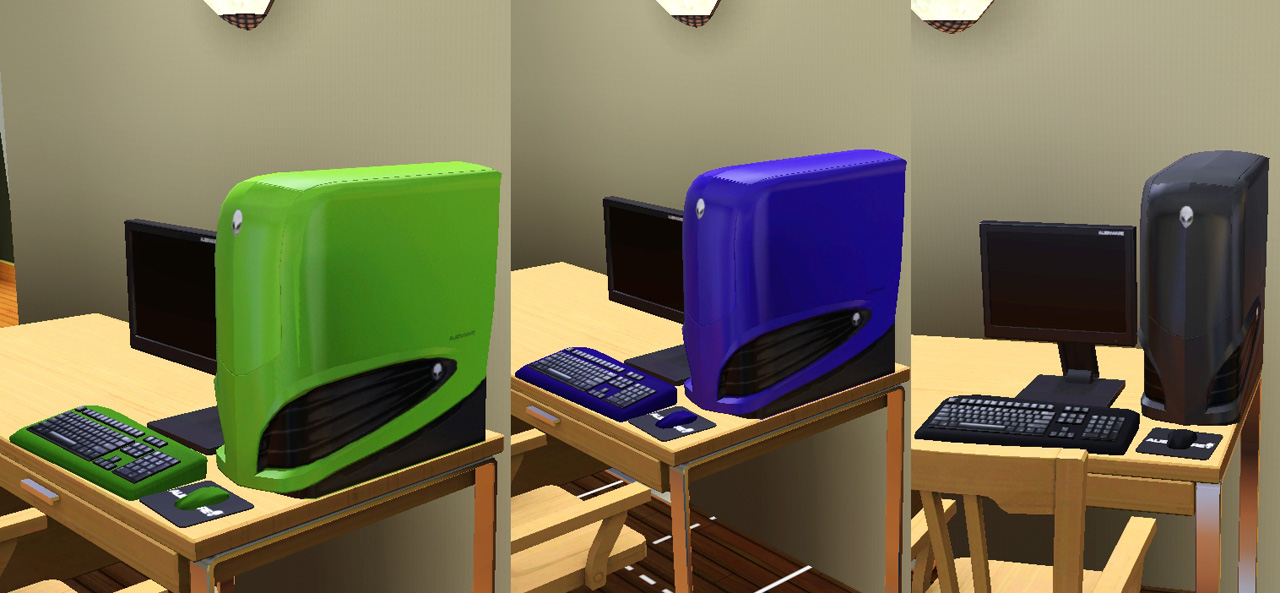
It's found under Computers and costs 2000 simoleons. It comes ready with three CaST presets for the original recolours of green, blue and black, but you can of course recolour them however you like.
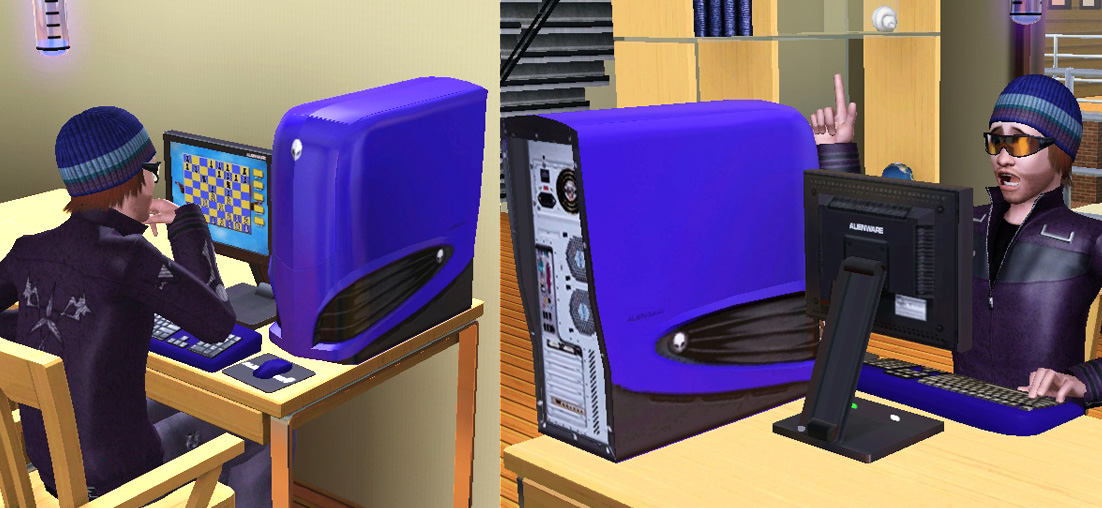
It has three recolour channels: the tower unit, the keyboard, and the mouse. This was a somewhat less than ideally mapped item and I had to struggle a bit to make it recolourable - for instance, the keyboard shared the same map space as the side of the tower unit and I had to do my best to move the keyboard mapping elsewhere in the map, in which there was very little spare room, so as a result patterns applied to the keyboard will be very stretched as seen in the tiling map in the below pic. The mapping for the tower unit is also a bit stretched horizontally, and there wasn't enough room on the map to fix that. (This is often a problem with Maxis conversions - they were just not really made to be recolourable.)
I quite like it with the chrome CaSTing on the far right:
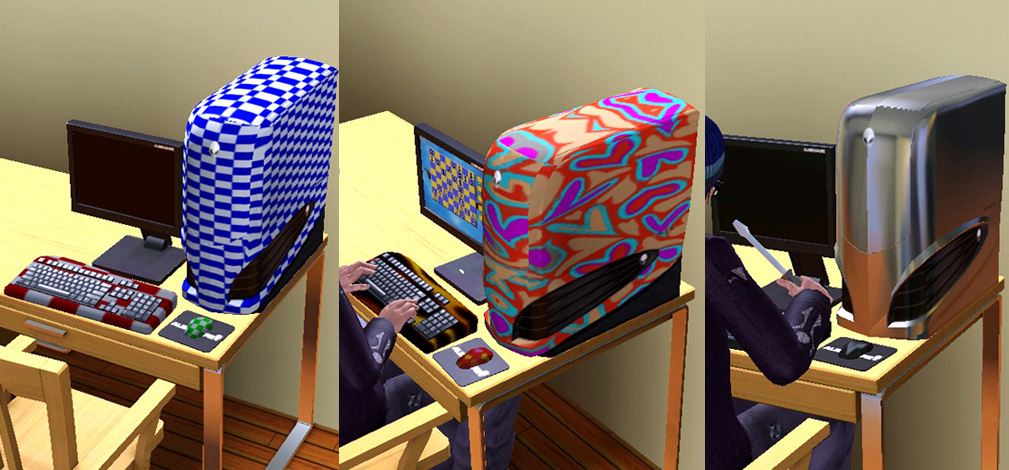
Or you can just CaST it to match its user:
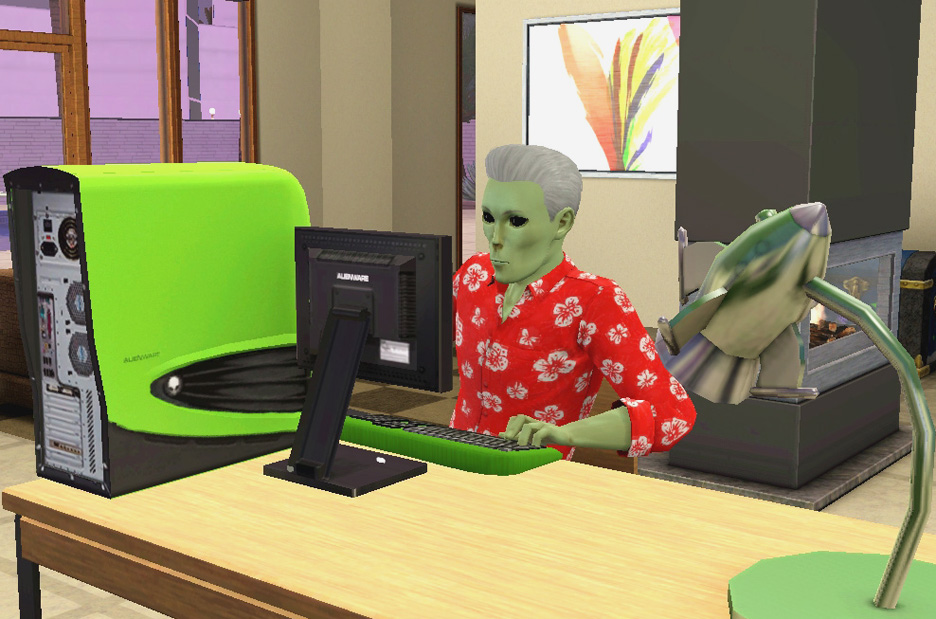
Small issue: The original texture for the tower unit's outer shell was horribly pixellated for some reason and it looked terrible in TS3, so I had to make a whole new one by baking the mesh. So, the tower unit's outer shell texture is not 100% authentic to the original, sorry, I did the best I could!
Please note that you need to be patched to at least patch level 1.26 upwards in order for this computer to function properly, due to patch 1.26 having changed the way most objects function.
Thanks for looking, hope you'll like this out-of-this-world computer!
INSTALL INSTRUCTIONS:
Unzip the .zip file and copy the .package file to your Mods\Packages folder. If you don't have a Mods\Packages folder and/or don't know how to install .package files, please see full instructions here: http://www.modthesims.info/wiki.php...g_Package_Files
Polygon Counts:
1262
Additional Credits:
Made with s3pe, s3oc, Texture Tweaker, TSR Workshop, Milkshape, and Blender.
Thank you to MaxoidMonkey for the original.
This is a new mesh, and means that it's a brand new self contained object that usually does not require a specific Pack (although this is possible depending on the type). It may have Recolours hosted on MTS - check below for more information.
|
Esmeralda_MaxoidMonkeyAlienwareComputer.zip
Download
Uploaded: 9th Mar 2013, 605.4 KB.
47,842 downloads.
|
||||||||
| For a detailed look at individual files, see the Information tab. | ||||||||
Install Instructions
1. Click the download button, or the filename, to download the file to your computer.
2. Extract the zip, rar, or 7z file. Now you will have either a .package or a .sims3pack file.
For Package files:
1. Cut and paste the file into your Documents\Electronic Arts\The Sims 3\Mods\Packages folder. If you do not already have this folder, you should read the full guide to Package files first: Sims 3:Installing Package Fileswiki, so you can make sure your game is fully patched and you have the correct Resource.cfg file.
2. Run the game, and find your content where the creator said it would be (build mode, buy mode, Create-a-Sim, etc.).
For Sims3Pack files:
1. Cut and paste it into your Documents\Electronic Arts\The Sims 3\Downloads folder. If you do not have this folder yet, it is recommended that you open the game and then close it again so that this folder will be automatically created. Then you can place the .sims3pack into your Downloads folder.
2. Load the game's Launcher, and click on the Downloads tab. Find the item in the list and tick the box beside it. Then press the Install button below the list.
3. Wait for the installer to load, and it will install the content to the game. You will get a message letting you know when it's done.
4. Run the game, and find your content where the creator said it would be (build mode, buy mode, Create-a-Sim, etc.).
Extracting from RAR, ZIP, or 7z: You will need a special program for this. For Windows, we recommend 7-Zip and for Mac OSX, we recommend Keka. Both are free and safe to use.
Need more help?
If you need more info, see:
- For package files: Sims 3:Installing Package Fileswiki
- For Sims3pack files: Game Help:Installing TS3 Packswiki
Loading comments, please wait...
Uploaded: 9th Mar 2013 at 3:04 PM
Updated: 9th Mar 2013 at 3:43 PM
#computer, #PC, #Alienware, #alien, #conversion
-
-
by Hekate999 4th Nov 2010 at 1:24am
 44
68.4k
121
44
68.4k
121
-
by Lisen801 12th Jan 2011 at 9:45am
44
74.7k
196
-
-
-
-
by vesko_sims3 updated 11th Feb 2026 at 2:23pm
13
16.3k
40
-
-

by vesko_sims3 updated 20th Apr 2026 at 9:45am
2
6k
12
-

by vesko_sims3 14th Mar 2026 at 6:36pm
1
2.5k
6


-
Lots of Bots - 21 Colourful Servo Overrides
by Esmeralda updated 19th Jan 2020 at 2:10pm
3 sets of 7 outfit overrides for the 7 default recolour choices for the Discover University servos more...
 +1 packs
35 41.3k 66
+1 packs
35 41.3k 66 Discover University
-
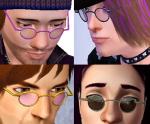
Small Round Glasses & Shades *UPDATE* Recolourable Lenses
by Esmeralda updated 10th Aug 2012 at 3:49pm
2 'Scholarly' Glasses: 7-Sided 'Beckett' Glasses and Small Round Glasses - Teen-Elder more...
31
76.4k
136
-
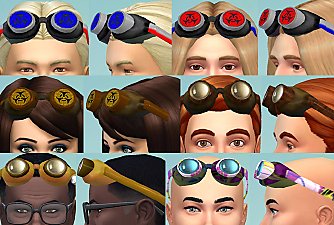
Sims 2 Rave Goggles + Assorted Retextures
by Esmeralda updated 22nd Mar 2016 at 5:50pm
Sims 2 Rave Goggles + Assorted Retextures more...
18
45.6k
136
-
-
-
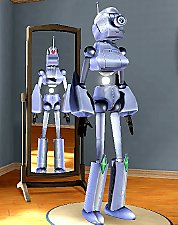
Pollination Technician #9 Smith
by Esmeralda 22nd Jul 2012 at 3:45pm
Pollination Technician #9 Smith from The Sims 2 more...
44
42k
60
-
Vincent's Computer - Sims Life Stories Conversion
by Esmeralda 27th Sep 2012 at 3:33pm
Vincent's Computer - Sims Life Stories Conversion more...
28
59.3k
130
-
Cyborg Eye for Men and Women Teen to Elder
by Esmeralda 1st Aug 2011 at 9:32pm
Cyborg Eye for Men and Women Teen to Elder more...
-
-


About Me
MY POLICY: I'm easygoing, please just don't copy my creations or claim them to be your own work. You may include my creations with your sims or lots, just credit me with a link back to the item.