
 Sign in to Mod The Sims
 Higher-Quality Neighborhood Previews for the Main Menu
 Higher-Quality Neighborhood Previews for the Main Menu

Screenshot_9.png - width=1024 height=768
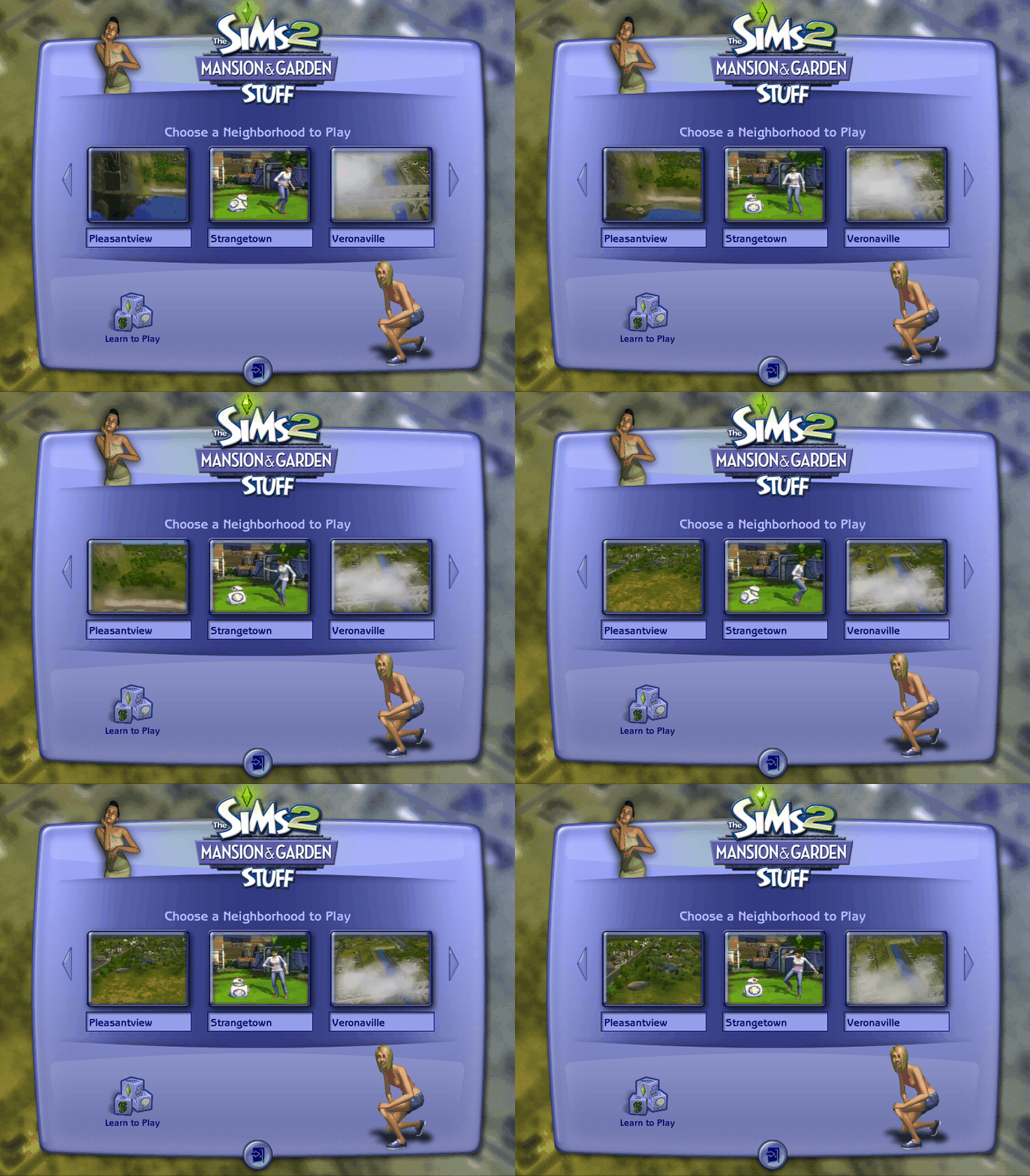
I recorded and edited all of these from scratch, taking care to try and replicate the original previews as closely as possible. That being said, there are some small differences with camera angles that couldn't be avoided. The originals used early versions of the flythrough cinematics that were changed for the final release (most noticeable with Veronaville). Of course, with higher quality comes a somewhat bigger file size, but still fairly negligible by today's standards.
In the process of making this mod, I noted several differences that can be observed between the original flythroughs and the final ones which I've documented on TCRF. I even managed to get that broken Lakeview flythrough to work properly, and recorded it for others to view. Check it out on TCRF if you're interested in this sort of thing.
Installation:
The mod files replace the .reia files in the folders for the six pre-made neighborhoods. Drag and drop the included directory over the Neighborhoods subfolder in your save folder, and confirm that you want to overwrite the original files. Do not put them in your Downloads folder. They won't do anything there.
In case you're wondering which file corresponds to which neighbourhood:
- E001_Neigborhood.reia = E001 (Belladonna Cove — requires Apartment Life)
- F001_Neigborhood.reia = F001 (Desiderata Valley — requires FreeTime)
- G001_Neigborhood.reia = G001 (Riverblossom Hills — requires Seasons)
- N001_Neigborhood.reia = N001 (Pleasantview)
- N002_Neigborhood.reia = N002 (Strangetown)
- N003_Neigborhood.reia = N003 (Veronaville)
If you wish to have these to play for custom neighborhoods, just rename the file so the number matches that neighborhood. For example, if your Pleasantview is actually "N111", just rename N001_Neighborhood.reia to N111_Neighborhood.reia. Note that the actual flythrough when loading a neighborhood is tied to its name, so if you rename it to be even slightly different (e.g. "Pleasantview2") then it will not play. There are instructions here on how to get the flythrough to play for other neighborhood names, or even create your own custom one.
Uninstallation:
Remove the .reia files from the neighborhood folders and restore the original ones back in their place. These can be found in the "TSData\Res\UserData\Neighborhoods" subfolder of the base game or EP installation directory. Alternatively, I've got you covered with a full backup of the original files that you can download on this very page if needed.
Special Thanks:
- ammar2 for decoding the Reia format and creating the awesome Sims 2 .reia Tool. This mod simply wouldn't have been possible without their work.
- LazyDuchess for creating TS2-HiddenCheats, which allows effects to be invoked on command.
| Filename | Type | Size |
|---|---|---|
| DA_TS2_HigherQualityNhoodPreviews.zip | zip | |
| E001_Neighborhood.reia | reia | 74208898 |
| F001_Neighborhood.reia | reia | 46793606 |
| G001_Neighborhood.reia | reia | 61062018 |
| N001_Neighborhood.reia | reia | 44374888 |
| N002_Neighborhood.reia | reia | 67325842 |
| N003_Neighborhood.reia | reia | 56173978 |
| README.txt | txt | 2375 |
| Filename | Type | Size |
|---|---|---|
| Original Reia files backup.zip | zip | |
| E001_Neighborhood.reia | reia | 31213712 |
| F001_Neighborhood.reia | reia | 20591708 |
| G001_Neighborhood.reia | reia | 8707350 |
| N001_Neighborhood.reia | reia | 6139130 |
| N002_Neighborhood.reia | reia | 5714488 |
| N003_Neighborhood.reia | reia | 7691776 |
Custom installation instructions! READ ME!
In addition to the normal installation instructions, this download also has a custom instruction, as follows:
1. Download: Click the download link to save the .rar or .zip file(s) to your computer.
2. Extract the zip, rar, or 7z file.
3. The mod files replace the .reia files in the folders for the six pre-made neighborhoods. Drag and drop the included directory over the Neighborhoods subfolder in your save folder, and confirm that you want to overwrite the original files.
Do not put them in your Downloads folder. They won't do anything there.
Need more information?
- For a full, complete guide to downloading complete with pictures and more information, see: Game Help: Downloading for Fracking Idiots.
- Custom content not showing up in the game? See: Game Help: Getting Custom Content to Show Up.
|
Original Reia files backup.zip
Download
Uploaded: 20th Aug 2026, 53.72 MB.
20 downloads.
|
||||||||
|
DA_TS2_HigherQualityNhoodPreviews.zip
Download
Uploaded: 20th Aug 2026, 216.17 MB.
76 downloads.
|
||||||||
| For a detailed look at individual files, see the Information tab. | ||||||||
Install Instructions
1. Download: Click the download link to save the .rar or .zip file(s) to your computer.
2. Extract the zip, rar, or 7z file.
3. The mod files replace the .reia files in the folders for the six pre-made neighborhoods. Drag and drop the included directory over the Neighborhoods subfolder in your save folder, and confirm that you want to overwrite the original files.
Do not put them in your Downloads folder. They won't do anything there.
Need more information?
- For a full, complete guide to downloading complete with pictures and more information, see: Game Help: Downloading for Fracking Idiots.
- Custom content not showing up in the game? See: Game Help: Getting Custom Content to Show Up.
Loading comments, please wait...
Uploaded: 20th Aug 2026 at 4:14 PM
Updated: 21st Aug 2026 at 11:42 AM
#menu, #UI, #Thumbnails, #Previews, #Neighborhood, #Maxis, #Premade, #Animated, #reia
-
by annapic2 18th Mar 2006 at 10:19am
 7
10.7k
2
7
10.7k
2
-

-
-
NIGHTLIFE Higher class menu (replacement menu)
by GCmax updated 4th Jun 2008 at 5:12am
+1 packs
6 24.7k 25 Nightlife
-
-
Pie Menu Text Strings Fix (Updated 2009/05/02)
by Lord Darcy updated 27th Mar 2009 at 12:50pm
32
133k
100
-
-
-
The Sims 2: Custom Animated Neighboorhood Previews (Tool for .reia files)
by ammar2 5th Dec 2022 at 10:36pm
33
24.4k
158
-



-
by Dorsal Axe 11th Dec 2025 at 5:35pm
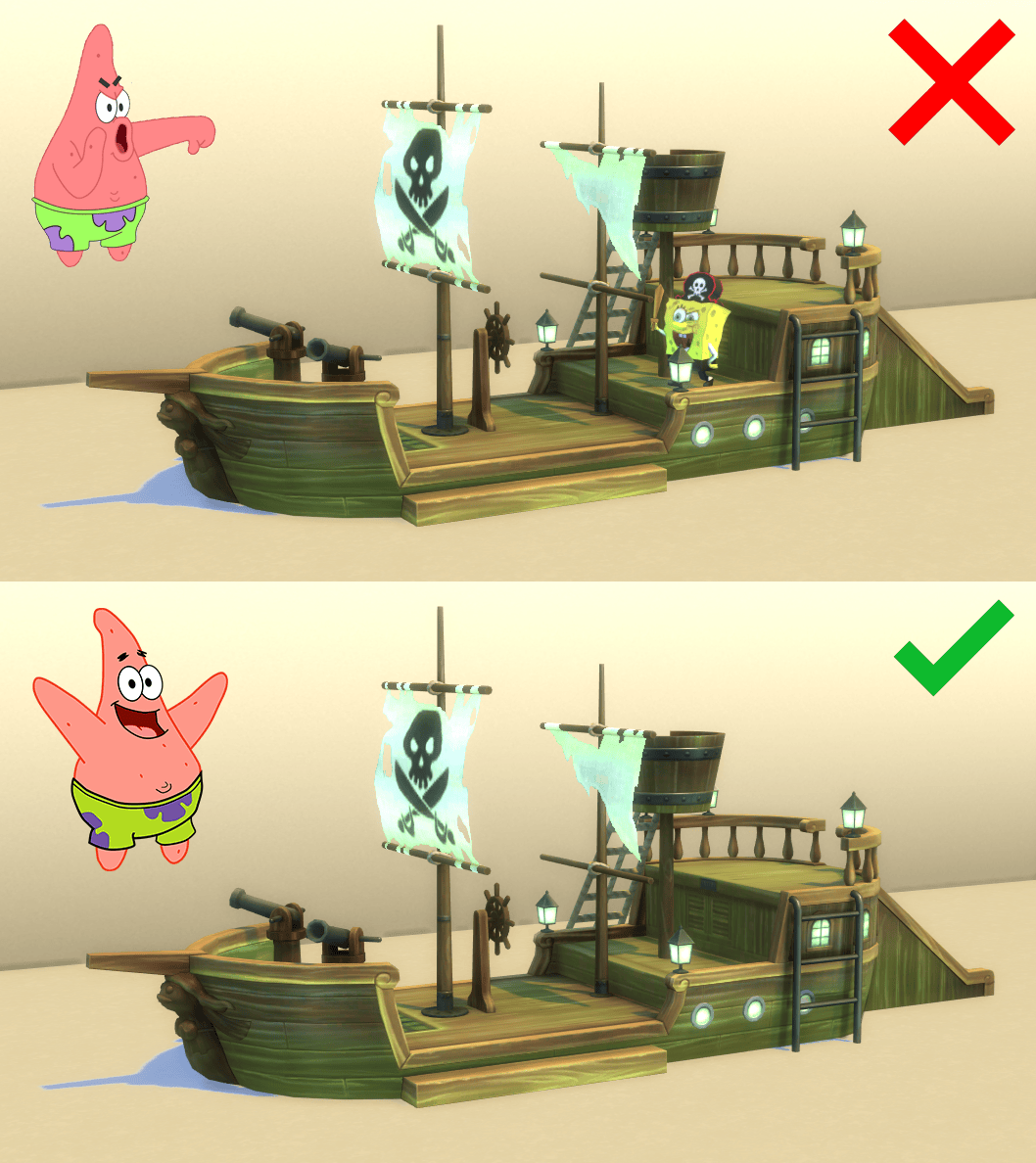
This is a simple mesh override for The Flying Dutchman's Jungle Gym that removes the big tacky Spongebob statue. more...
 2
1.8k
2
2
1.8k
2
-
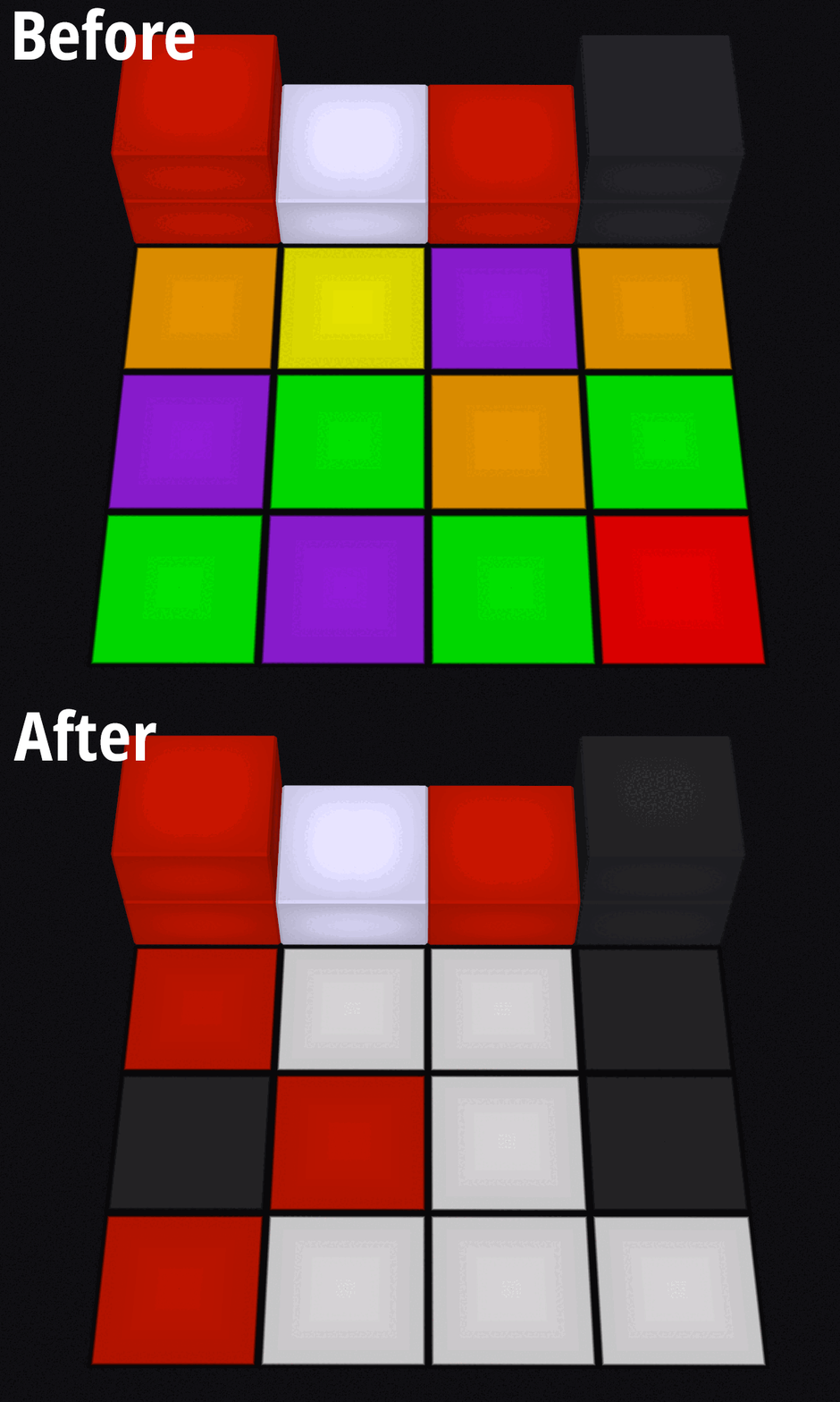
Mode colour fix for Zecutine's "Light Me Up" Catwalk Tile
by Dorsal Axe updated 19th Jan 2024 at 7:20pm
+1 packs
4 2.1k 11 H&M Fashion
-
LOD90 fix for "Creaky Branches Designer Tree" (NL)
by Dorsal Axe 8th Jan 2024 at 12:14pm
This is a simple override for the Creaky Branches Designer Tree included with Nightlife (the spooky dead cemetery tree). more...
+1 packs
5 2k 16 Nightlife
-
Ever After Oaks (No CC) - The Sims: Makin' Magic lot remake
by Dorsal Axe 14th Sep 2019 at 5:17pm
A TS4 recreation of Ever After Oaks (90 Creepy Hollow), a residential lot from Magic Town in The Sims: Makin' Magic. more...
+4 packs
11 8.6k 39 Get Together
 Get Famous
 Spooky Stuff
 Vampires
-


Blending "fix" for 'On the Road from COGnition'
by Dorsal Axe 3rd Aug 2026 at 10:25pm
This is an override for the On the Road from COGnition flooring included with The Sims 2: Apartment Life. more...
+1 packs
3 706 2 Apartment Life
-
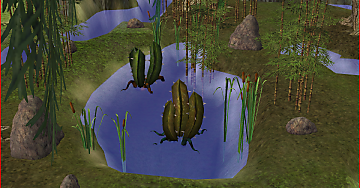
Water placement fix for 'Possibly Lethal Water Cactus'
by Dorsal Axe 25th Jan 2024 at 8:56pm
This is an override for the Possibly Lethal Water Cactus included in the Spooky collection from The Sims 2 Store. more...
1
2.7k
10
-
by Dorsal Axe updated 29th Jan 2024 at 2:23pm
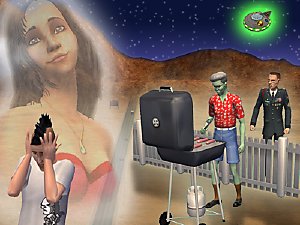
A fixed version of N002 that rectifies many inconsistencies and restores data where it was corrupted or missing. more...
+1 packs
83 64.1k 205 University
Miscellaneous » Neighborhoods & CAS Screens » Neighbourhoods and Worlds


