Sign in to Mod The Sims
 Ultra Sparkling Eye Contacts
 Ultra Sparkling Eye Contacts


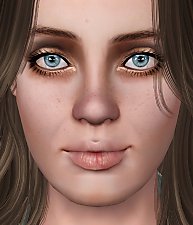
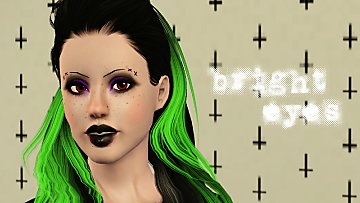
1.jpg - width=250 height=250
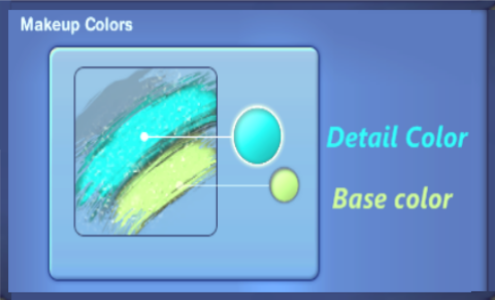
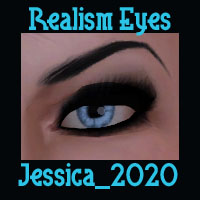
3.png - width=495 height=300
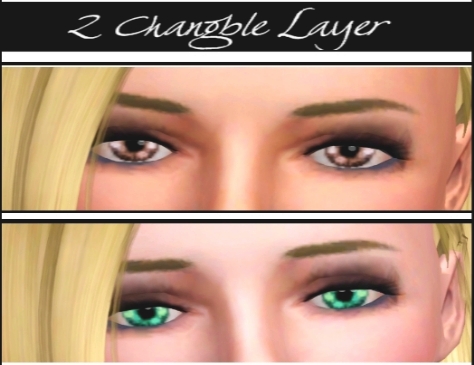
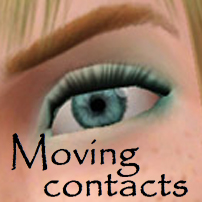
5.jpg - width=474 height=365
6.jpg - width=500 height=601

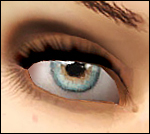
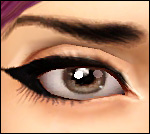
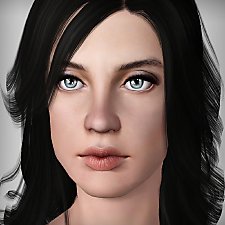
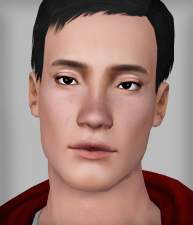
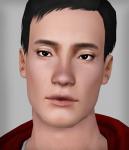
(to make the eye more sparkling) and the other for the base color (to control the eye main color) do not replace any defaults.
Additional Credits:
*TSR Workshop
*Paint.net
*the hair from (free) : peggy zone
|
Realistic Eye Contacts.rar
Download
Uploaded: 7th Feb 2010, 45.4 KB.
4,241 downloads.
|
||||||||
| For a detailed look at individual files, see the Information tab. | ||||||||
Install Instructions
1. Click the download button, or the filename, to download the file to your computer.
2. Extract the zip, rar, or 7z file. Now you will have either a .package or a .sims3pack file.
For Package files:
1. Cut and paste the file into your Documents\Electronic Arts\The Sims 3\Mods\Packages folder. If you do not already have this folder, you should read the full guide to Package files first: Sims 3:Installing Package Fileswiki, so you can make sure your game is fully patched and you have the correct Resource.cfg file.
2. Run the game, and find your content where the creator said it would be (build mode, buy mode, Create-a-Sim, etc.).
For Sims3Pack files:
1. Cut and paste it into your Documents\Electronic Arts\The Sims 3\Downloads folder. If you do not have this folder yet, it is recommended that you open the game and then close it again so that this folder will be automatically created. Then you can place the .sims3pack into your Downloads folder.
2. Load the game's Launcher, and click on the Downloads tab. Find the item in the list and tick the box beside it. Then press the Install button below the list.
3. Wait for the installer to load, and it will install the content to the game. You will get a message letting you know when it's done.
4. Run the game, and find your content where the creator said it would be (build mode, buy mode, Create-a-Sim, etc.).
Extracting from RAR, ZIP, or 7z: You will need a special program for this. For Windows, we recommend 7-Zip and for Mac OSX, we recommend Keka. Both are free and safe to use.
Need more help?
If you need more info, see:
- For package files: Sims 3:Installing Package Fileswiki
- For Sims3pack files: Game Help:Installing TS3 Packswiki
Loading comments, please wait...



Uploaded: 7th Feb 2010 at 1:49 PM
-
-
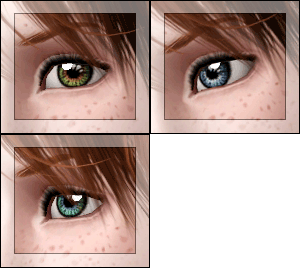
Sparkling eyes ts2 conversion as contacts
by -Shady- updated 4th Jan 2010 at 1:51am
-
-
-
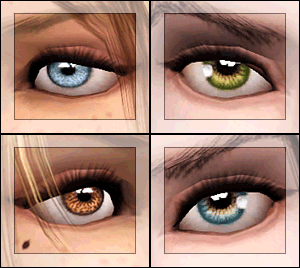
EYES for eye-coholics! CONTACTS - 2 styles
by -Shady- 29th Oct 2010 at 1:55pm
-
-
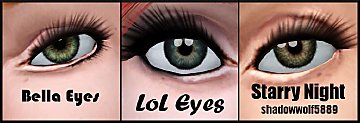
Bella, LoL, and Starry Night Eyes: Defaults and Contacts
by shadowwolf5889 3rd Jul 2012 at 11:33am
-
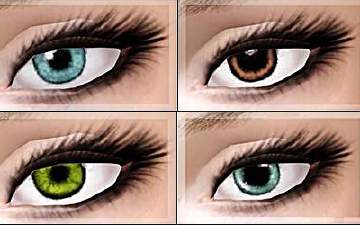
Realism Eye Contacts - Both Genders - from Teen to Elder
by Lunararc 7th Aug 2012 at 4:11pm
-
-

-
-
-
-
-
-
"Sugar Bun" - Female hair (Teen to Elder)
by Lunararc 16th Jul 2013 at 3:49pm
Hey guys, Finally I finished my first hair mesh after 10 days of hard working. more...
 17
59.7k
271
17
59.7k
271
Hair » Female » Young Adult
-


-

-
-