
 Sign in to Mod The Sims
 Wee Little Hovel - Medieval Challenge
 Wee Little Hovel - Medieval Challenge


hovelcover.jpg - width=900 height=678
weelittlehovel.jpg - width=980 height=613
pond.jpg - width=900 height=675
privy.jpg - width=800 height=700
kitchen-washroom.jpg - width=980 height=613
nook.jpg - width=980 height=744
bed1.jpg - width=980 height=742
floorplan.jpg - width=980 height=743

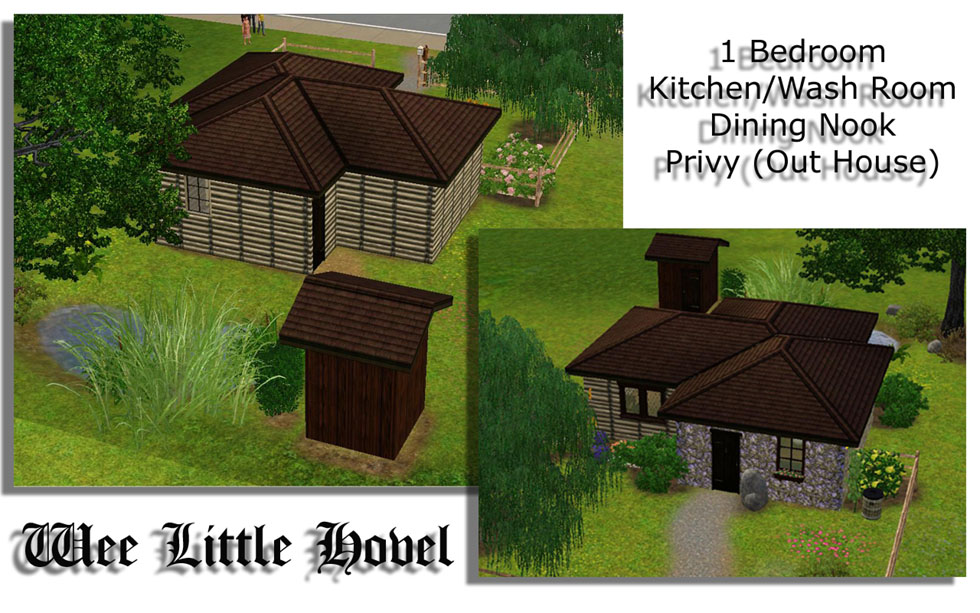
I call it my "Wee Little Hovel". It's a cozy, country cottage for your Medieval sims who are a little bit above the "peasant" level
 It's a quasi starter home, being that it's a tad pricey. Freshly created couples would only be able to afford to buy this home unfurnished. It is built with single sims and/or couples in mind because it only has one bed room. However, furniture can easily be re-arranged to squeeze another bed or a crib in, and it's simple enough to add on to it as time goes by...(hmmm do I see a legacy inspiration?)
My cottage consists of three main rooms: a kitchen/wash room, a dining nook/hallway and a chamber room/bed chamber/whatever you call it. Also, out back there is small privy (out-house) for your sims to "do their business". Now, when your sim goes to use the toilet, they might complain about the room being unfinished. That's because I left a dirty grassy floor inside, to give it more of that out-house feeling (see screenshots).
Walking through the front door, you step into the kitchen area (my personal favorite).
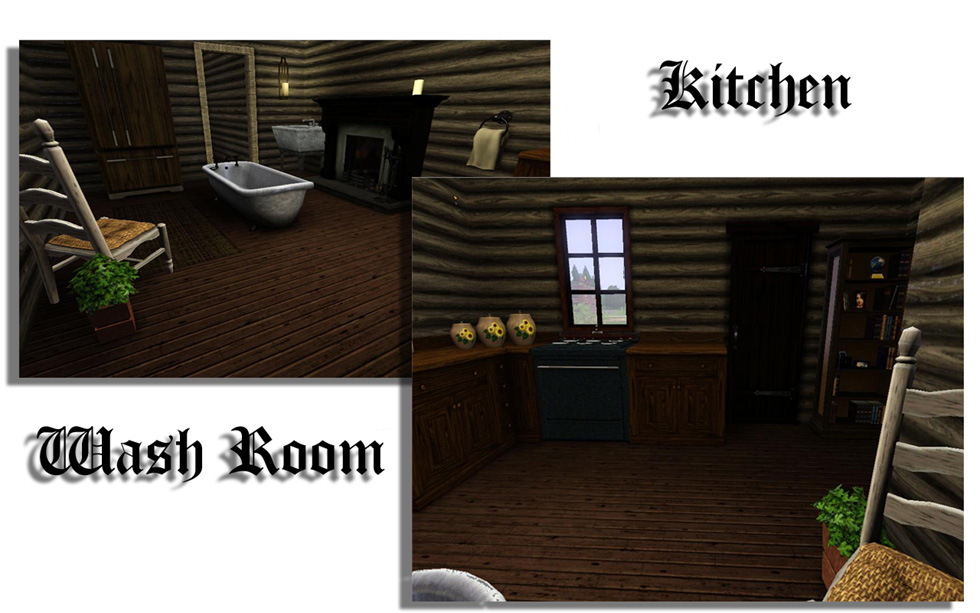
I tried my best to mask all of the modern appliances and amenities but there are some obvious non-medieval furnishings. The refrigerator is painted in wood grain to try to give it a cabinet look, emphasis on the *try* part. Also I originally painted the tub and wash basin a bronzey looking metal, but it looked too weird, so instead it's pewter. I know...I know, there were no sinks in the Medieval times (or functioning bathtubs for that matter) but your sim's gotta wash up some how
 Also there is smoke alarm nested into the back of the refrigerator so that it's hidden. I couldn't find anywhere for the house alarm to go.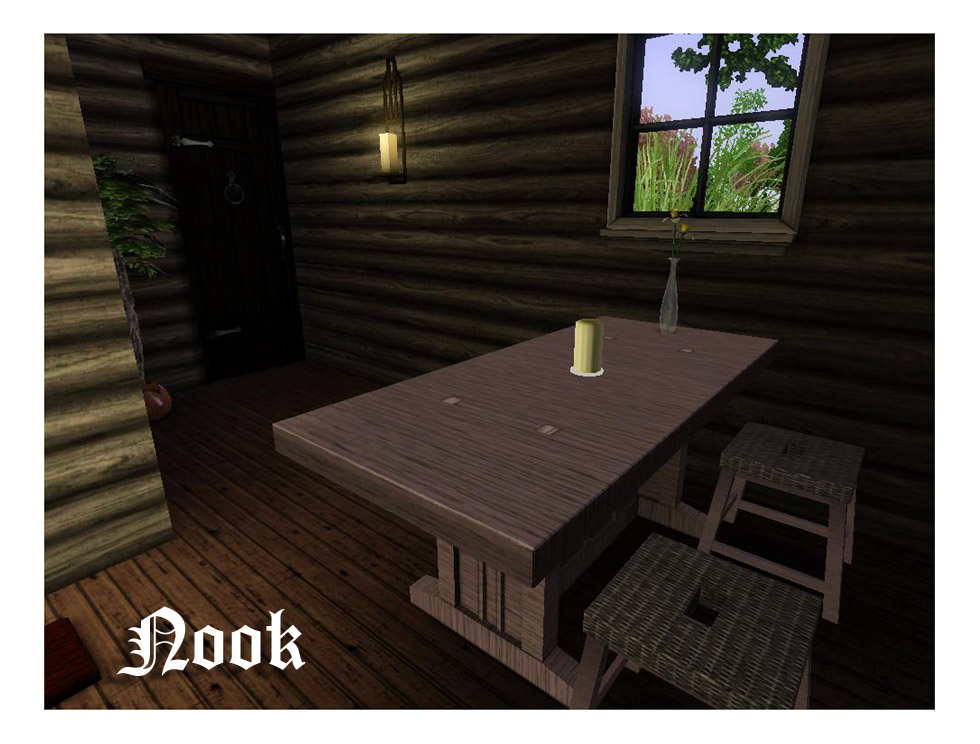
Next up is the cozy breakfast nook for three. Nothing fancy here, just a table and three chairs.
And lastly...
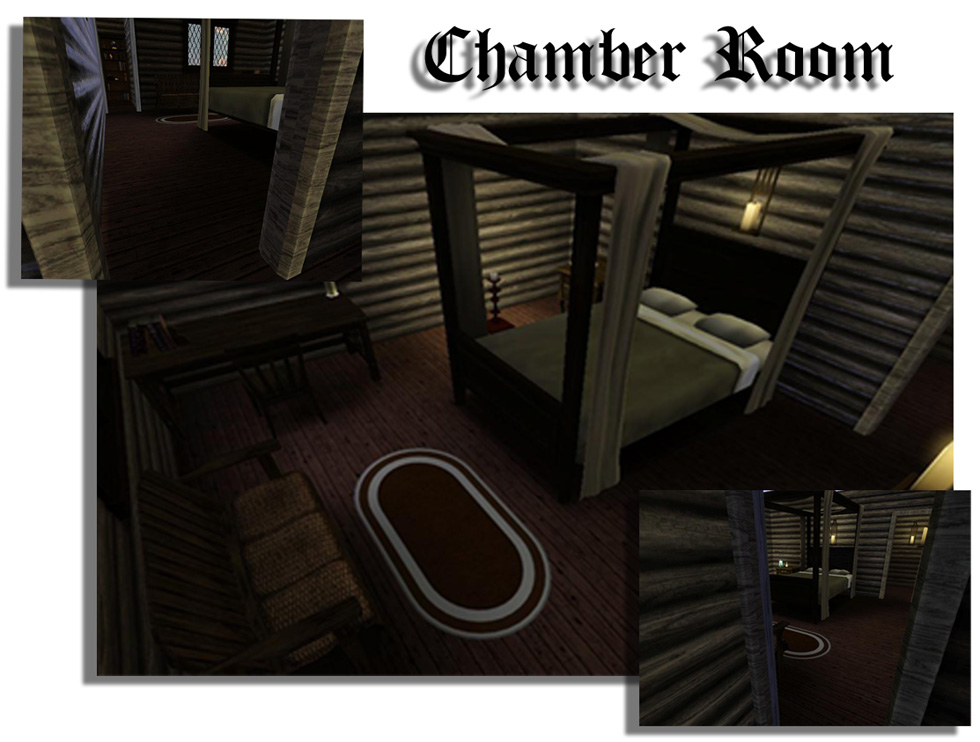
...the chamber room (or the bed chamber, whatever suits your fancy). Instead of using some chinchy, raggedy bed I decided to go with one of the more nicer beds. Because, honestly when I picture a medieval bed I always think of a high beam bed with lacy curtains. I may totally be going against the true style of that time, but it's my vision so neh >< . (j/k)
House Specs:
Unfurnished: 14,432
Furnished: 20,255
Lot Size: 20 x 30
Lot Type: Residential
I tried to use a less CC as possible and I think I did a pretty good job. There are only a few non EA items (not included), but luckily all are found at AroundTheSims. See the credit section for details).
Also, this house uses a lot of WA content, which obviously means that you'll need to have WA patch 2.33 and above to play it.
Lot Size: 2x3
Lot Price: 14,432
Additional Credits:
Around the Sims:
Stool - http://www.aroundthesims3.com/objec..._chair_01.shtml
Wash Basin - http://www.aroundthesims3.com/objec...g_sink_01.shtml
Coffee Grinder - http://www.aroundthesims3.com/objec...itchen_04.shtml
|
WeeLittleHovel.rar
Download
Uploaded: 2nd Apr 2010, 1.55 MB.
1,614 downloads.
|
||||||||
| For a detailed look at individual files, see the Information tab. | ||||||||
Install Instructions
1. Click the filename or the download button to download the file to your computer.
2. Extract the zip, rar, or 7z file.
2. Select the .sims3pack file you got from extracting.
3. Cut and paste it into your Documents\Electronic Arts\The Sims 3\Downloads folder. If you do not have this folder yet, it is recommended that you open the game and then close it again so that this folder will be automatically created. Then you can place the .sims3pack into your Downloads folder.
5. Load the game's Launcher, and click on the Downloads tab. Select the house icon, find the lot in the list, and tick the box next to it. Then press the Install button below the list.
6. Wait for the installer to load, and it will install the lot to the game. You will get a message letting you know when it's done.
7. Run the game, and find your lot in Edit Town, in the premade lots bin.
Extracting from RAR, ZIP, or 7z: You will need a special program for this. For Windows, we recommend 7-Zip and for Mac OSX, we recommend Keka. Both are free and safe to use.
Need more help?
If you need more info, see Game Help:Installing TS3 Packswiki for a full, detailed step-by-step guide!
Loading comments, please wait...



 View with Names
Uploaded: 2nd Apr 2010 at 6:11 AM
Updated: 2nd Apr 2010 at 5:42 PM
-
-
Terrowin on Drumragh -Small Medieval Village- (Medieval Challenge)
by Vampire_aninyosaloh 3rd Apr 2010 at 9:41pm
 7
28k
41
7
28k
41
-
Verona Pass Gypsy Camp - for the Medieval Challenge 2010
by ninotchka 7th Apr 2010 at 12:43am
+1 packs
35 76.4k 134 World Adventures
-
Candle-Town Temple-District / Medieval Challenge
by candlelight82 14th Apr 2010 at 5:07pm
+1 packs
36 79.2k 120 World Adventures
-
-
Town market with two rabbitholes - no CC - medieval challenge
by smmi73 13th Apr 2010 at 11:10pm
+1 packs
14 37.8k 50 World Adventures
-
-
by DaveyDaVinci 16th Apr 2010 at 9:32pm
+1 packs
14 33.5k 45 World Adventures
-
by Schneekatze 17th Apr 2010 at 6:19pm
+1 packs
7 40.3k 41 World Adventures
-
by Thranduil Oropherion 10th Mar 2015 at 7:10am
+8 packs
12 18.6k 63 World Adventures
 Ambitions
 Late Night
 Pets
Pets
 Supernatural
 Seasons
 University Life
 Island Paradise


-
The Skinny Brow: daluved1 Style
by daluved1 3rd Aug 2009 at 1:31am
When it comes to eyebrows, EA really screwed us over! more...
32
30.4k
27
-
-

-
-
Spotlight -- 6 Exotic Dance Poses
by Puss 'N Heels 4th Jan 2015 at 8:59pm
Another small set of pole dancing poses, with a focus on inversions and splits. more...
2
38.4k
74
-
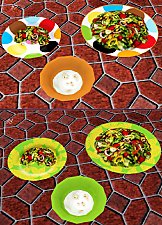
Painted Dinnerware: Default Replacements (Set 1 of 3)
by daluved1 27th Nov 2010 at 8:41pm
Spice up your sims dining experience! more...
21
29.8k
52
-

-
-


-
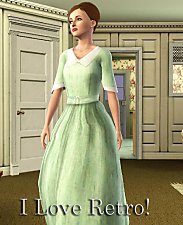
by daluved1 15th Jan 2011 at 12:14pm
Do you love retro? This set was originally for a Lucy Desi Ball sim I was working on, but...she's more...
28
95.3k
202
Female » Mixed Sets » Adult
Packs Needed
| Expansion Pack | |
|---|---|
| World Adventures |
About Me
Because my policy is really inconsistent on my uploads, I've decided to make an official policy! So whatever you see here on my profile is my current policy. You may disregard any ''policy'' information you see on the actual upload itself.
-You may use my creations with sims
-You may use my objects with lots.
-You may retexture my meshes.
-You may include my meshes with retextures.
-You may NOT upload my creations with sims
-You may NOT upload my objects with lots.
-You may NOT upload my creations to paysites.
-You may NOT upload my creations to the exchange.
-Always credit me with a link
-I do NOT take requests!