
 Sign in to Mod The Sims
 International Windows - Counterheight
 International Windows - Counterheight
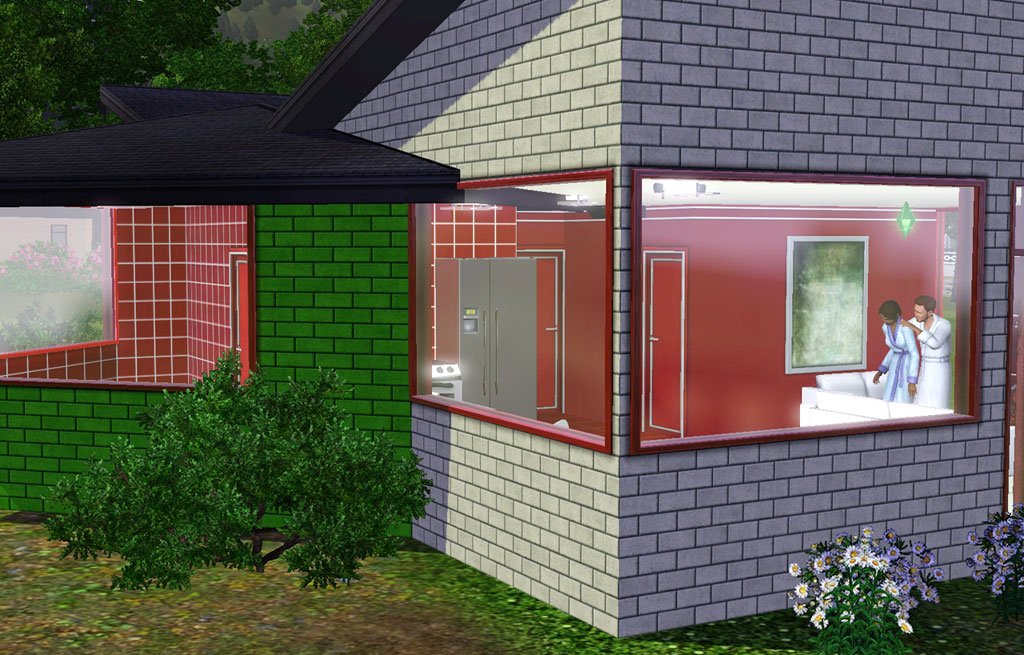
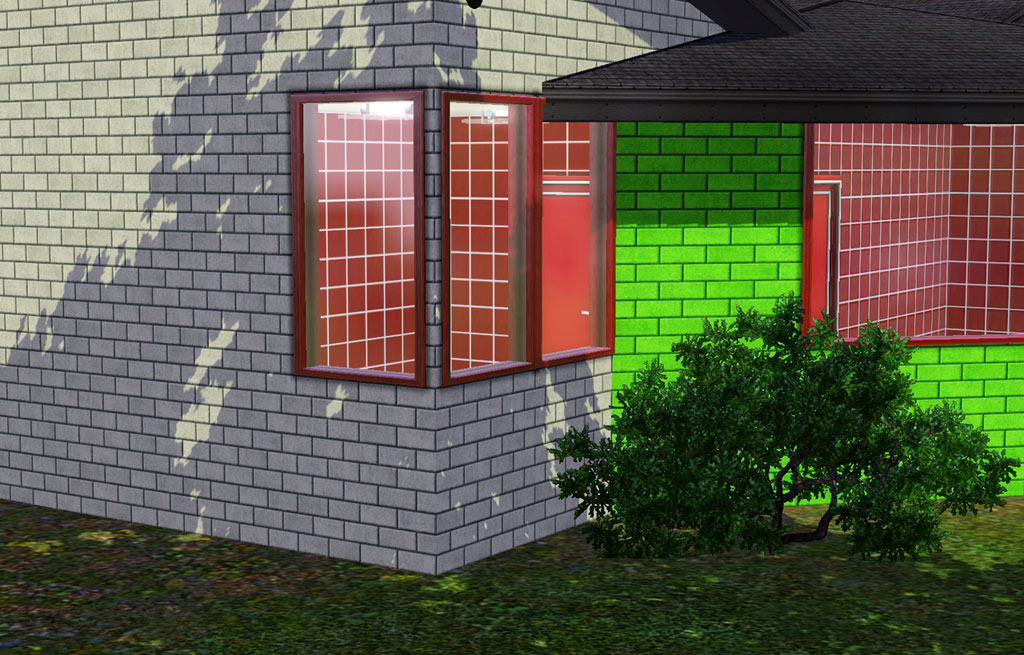
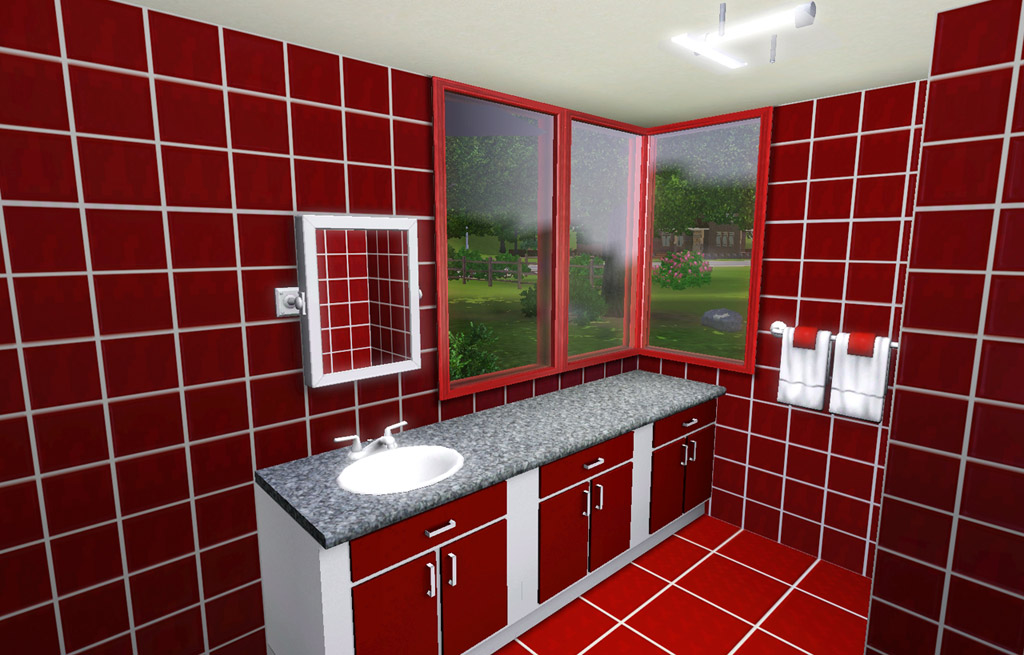
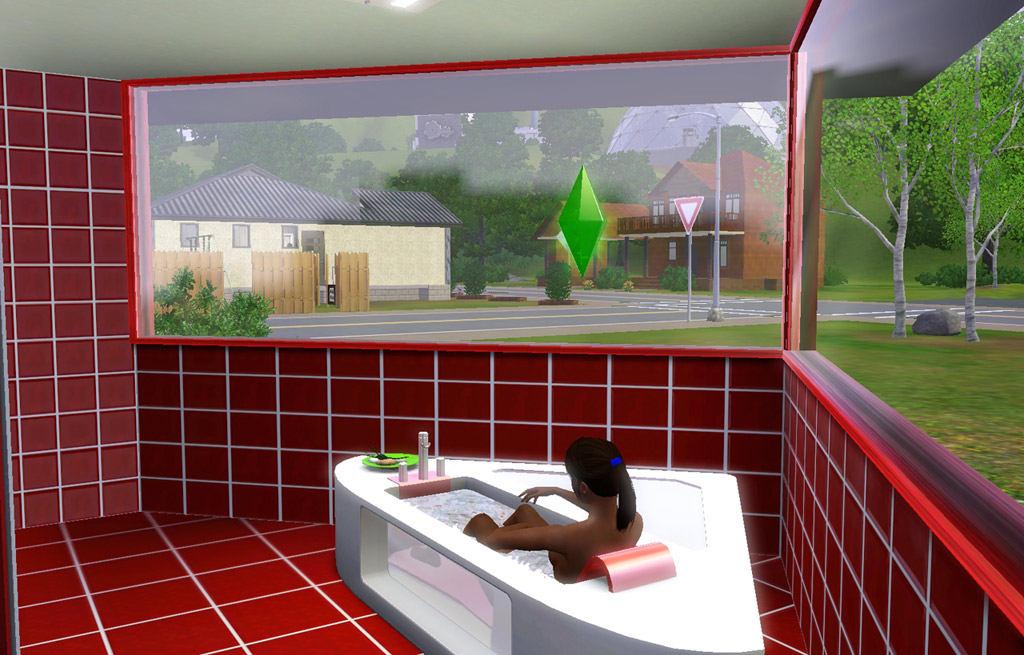
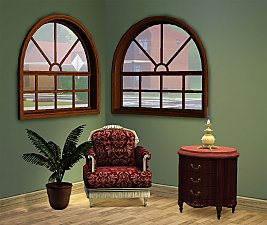
intl01.jpg - width=1024 height=655
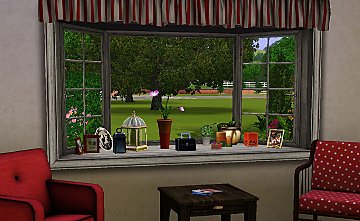
intl02.jpg - width=1024 height=655
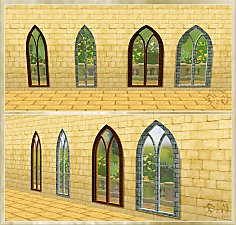
intl03.jpg - width=1024 height=655
intl04.jpg - width=1024 height=655

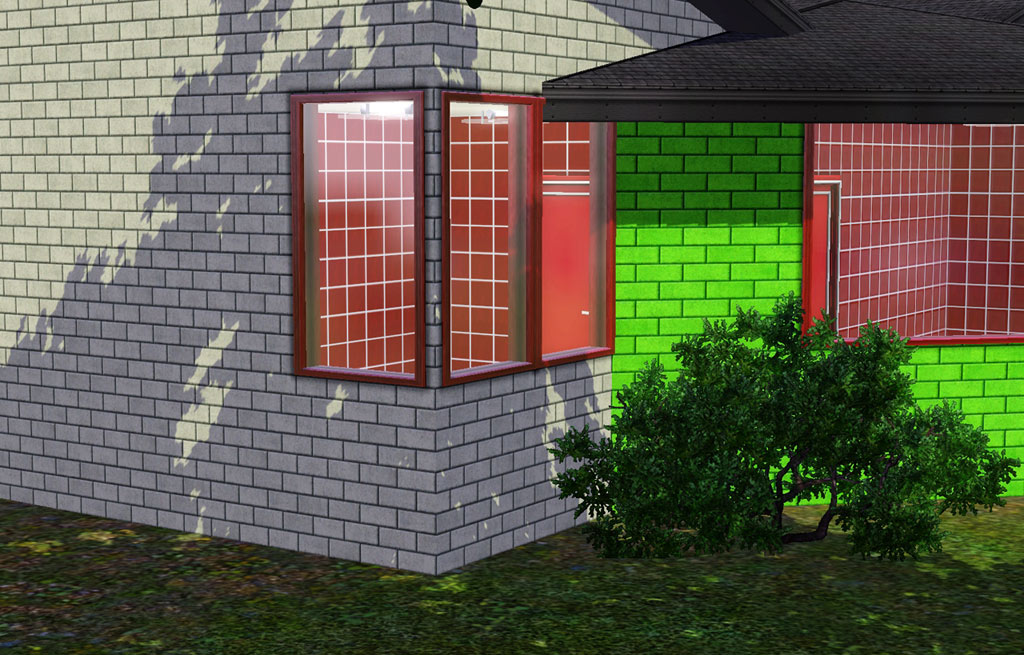
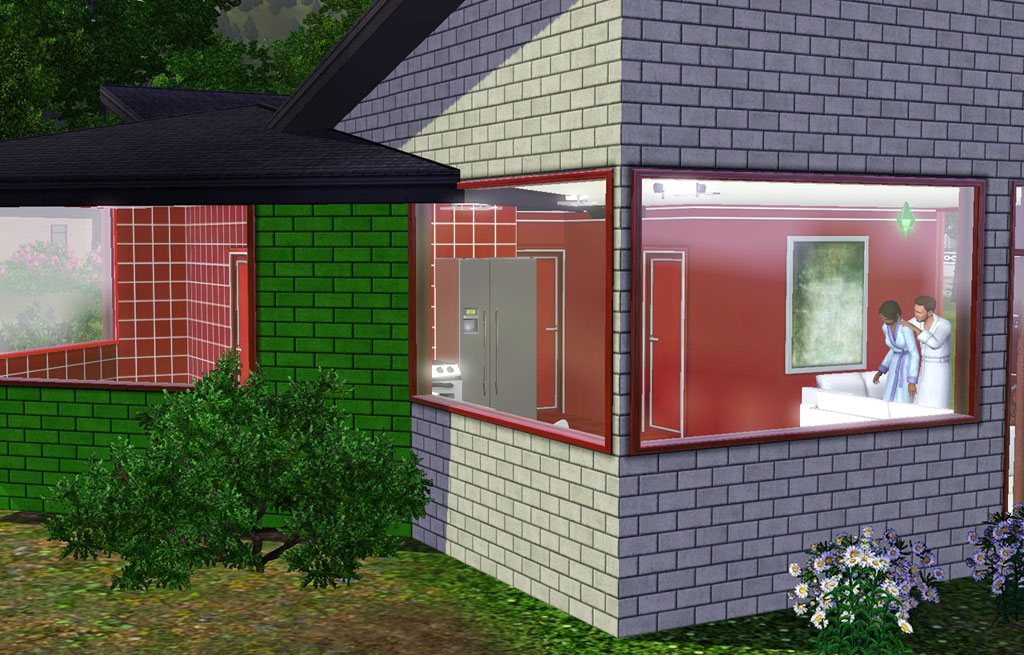
In game each window is named something different, something that drives me absolutely crazy! The windows match and are a "set" but EA has to be "creative" and name them each differently.
 Window Shmindow
- Build/Windows
- §100
- 2 Channels - same as the original
- 4 Presets - same as the original
 Regifted Window
- Build/Windows
- §250
- 2 Channels - same as the original
- 5 Presets - same as the original
- Includes Diagonal
Polygon Counts:
All polys same as original full height ones.
1T Short - 230
3T Short - 228
3T ShortDiag - 246
Additional Credits:
Tub - EA store or an EP/SP
Bath Counters - plasticbox
This is a new mesh, and means that it's a brand new self contained object that usually does not require a specific Pack (although this is possible depending on the type). It may have Recolours hosted on MTS - check below for more information.
|
HL_IntlCounterheight.rar
Download
Uploaded: 27th May 2010, 1.00 MB.
29,345 downloads.
|
||||||||
| For a detailed look at individual files, see the Information tab. | ||||||||
Install Instructions
1. Click the download button, or the filename, to download the file to your computer.
2. Extract the zip, rar, or 7z file. Now you will have either a .package or a .sims3pack file.
For Package files:
1. Cut and paste the file into your Documents\Electronic Arts\The Sims 3\Mods\Packages folder. If you do not already have this folder, you should read the full guide to Package files first: Sims 3:Installing Package Fileswiki, so you can make sure your game is fully patched and you have the correct Resource.cfg file.
2. Run the game, and find your content where the creator said it would be (build mode, buy mode, Create-a-Sim, etc.).
For Sims3Pack files:
1. Cut and paste it into your Documents\Electronic Arts\The Sims 3\Downloads folder. If you do not have this folder yet, it is recommended that you open the game and then close it again so that this folder will be automatically created. Then you can place the .sims3pack into your Downloads folder.
2. Load the game's Launcher, and click on the Downloads tab. Find the item in the list and tick the box beside it. Then press the Install button below the list.
3. Wait for the installer to load, and it will install the content to the game. You will get a message letting you know when it's done.
4. Run the game, and find your content where the creator said it would be (build mode, buy mode, Create-a-Sim, etc.).
Extracting from RAR, ZIP, or 7z: You will need a special program for this. For Windows, we recommend 7-Zip and for Mac OSX, we recommend Keka. Both are free and safe to use.
Need more help?
If you need more info, see:
- For package files: Sims 3:Installing Package Fileswiki
- For Sims3pack files: Game Help:Installing TS3 Packswiki
Loading comments, please wait...


Uploaded: 27th May 2010 at 10:58 PM
Updated: 4th Nov 2010 at 3:25 PM
-
by HugeLunatic 9th Aug 2009 at 1:32am
 54
94.9k
159
54
94.9k
159
-
by HugeLunatic 12th Aug 2009 at 5:38pm
56
159k
245
-
-
-
by Hekate999 updated 14th Apr 2011 at 11:43am
18
65.7k
166
-
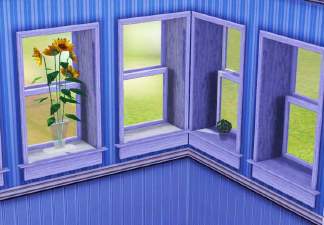
3 Extended windows for thicker walls
by Lisen801 updated 9th Jun 2012 at 3:14pm
+1 packs
21 27.5k 56 World Adventures
-
by Lisen801 18th Jul 2010 at 10:53pm
27
45.7k
96
-
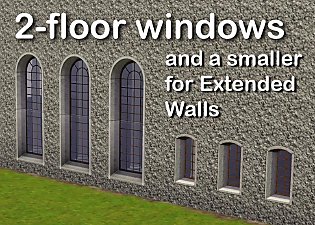
2 new windows for *Extended* walls
by Lisen801 updated 27th May 2012 at 12:44pm
+1 packs
19 59.8k 106 Late Night
-
-




-
by HugeLunatic 18th Nov 2021 at 6:43pm
The basic, simple shower from TS3 base game. It has a sliding door (see pic!) and frosted glass. more...
 +1 packs
16 15.1k 65
+1 packs
16 15.1k 65 Seasons
-
by HugeLunatic 27th Apr 2022 at 7:04pm
Just a small but fun object for Spring 22 theme. more...
+1 packs
15 2.9k 27 Mansion and Garden
-
by HugeLunatic 18th Jun 2011 at 6:59pm
The Heritage is typical of many traditionally styled homes built from the 1930s through the 1960s. more...
+4 packs
6 17k 15 World Adventures
 Ambitions
Late Night
Ambitions
Late Night
 Generations
-
by HugeLunatic 18th Sep 2010 at 11:30pm
The Darien is a classic Scottish Highland castle finished in stone. more...
+2 packs
7 15.2k 7 World Adventures
 High-End Loft Stuff
-
by HugeLunatic 18th Nov 2018 at 5:07pm
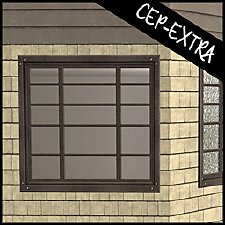
A small mod to make the glass separately recolorable from the frame. more...
4
12.8k
26
-
by HugeLunatic 16th Jun 2019 at 9:57pm
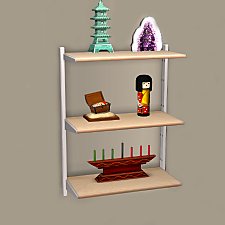
Bits and bobs from the IKEA FREDRIK desk to make wall shelves. more...
+1 packs
12 11.3k 38 Ikea Home
-
by HugeLunatic 1st Oct 2012 at 8:22am
Square up your community lots with this slightly abused trash receptacle. more...
16
28.3k
76
-
by HugeLunatic 11th Oct 2010 at 2:49am
Hatteras Apartments - Multi Family Housing This is a multi family home design by Dan Tyree . more...
+13 packs
12 17.2k 14 University
 Nightlife
 Open for Business
 Pets
Pets
 H&M Fashion
 Teen Style
Seasons
Teen Style
Seasons
 Kitchen & Bath
 Bon Voyage
 Free Time
Ikea Home
Free Time
Ikea Home
 Apartment Life
Mansion and Garden
Apartment Life
Mansion and Garden
-
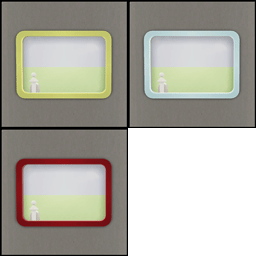
by HugeLunatic 18th Nov 2013 at 3:35am
Some recolors of the "Space Opera Panes by GalactiGlass" to match the "Futur-Nu Prime by Zuper Tech" Door . more...
+1 packs
3 7.8k 18 Pets
-
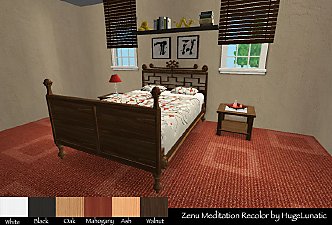
Base Game Maxis Match Bed Recolors
by HugeLunatic 12th Feb 2009 at 3:29pm
Five Maxis Base game beds recolored with 5 Maxis Match textures plus one of my own. more...
22
43.7k
95


About Me
Pet Stories || Dog Agility Items? || Castaway Stories || Holy Simoly Extras
4esf Archive || Holy Simoly Archive || CEP-Extras List || Buyable Game Objects
lunie content from GoS/s2a
 Installation of CEP Extras
-the package with pfiles appended to the name will go into your cep extras folder where your game is installed (typically c drive, you do you)
-the other goes in CEP extra folder in documents.
The following locations are what I am aware of, beyond that you'll have to do some searching.
Downloads Folder:
C:\Users\<user>\Documents\EA Games\The Sims 2 Legacy
C:\Users\<user>\Documents\EA Games\The Sims 2 Ultimate Collection
With multiple launchers, the location for your game install will vary.
C:\Program Files\EA GAMES\The Sims 2 Legacy\TSData\Res\Catalog\zCEP-EXTRA
C:\Program Files\EA GAMES\The Sims 2\TSData\Res\Catalog\zCEP-EXTRA
C:\Program Files (x86)\EA GAMES\The Sims 2\TSData\Res\Catalog\zCEP-EXTRA