
 Sign in to Mod The Sims
 Fadil Görkem
 Fadil Görkem


1.jpg - width=754 height=880
2.jpg - width=1280 height=960
3.jpg - width=1280 height=960
4.jpg - width=1280 height=960
6.jpg - width=1280 height=960
8.jpg - width=695 height=960
9.jpg - width=700 height=1023
ccc.jpg - width=1280 height=960
fff.jpg - width=1280 height=960


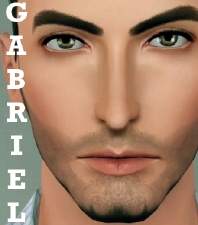
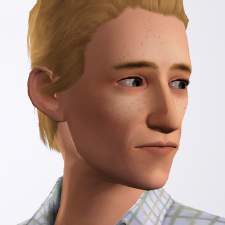
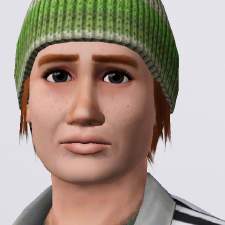
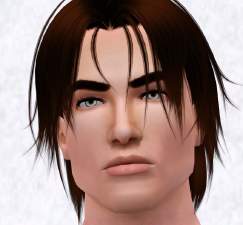
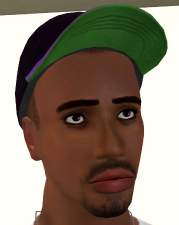
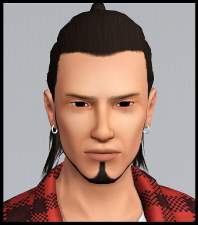
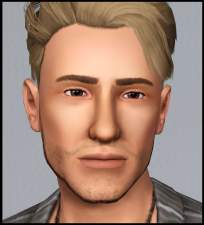
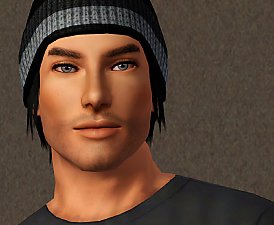
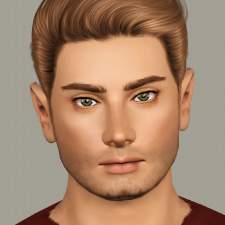
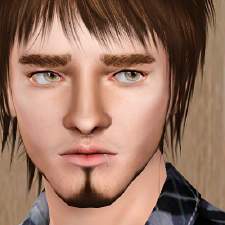
Fadil is quiet, reflective, and idealistic Turkish young man who interested in serving humanity, enjoy the present moment and laid back unless a strongly held value is threatened. He usually sees possibilities and interested in helping people.
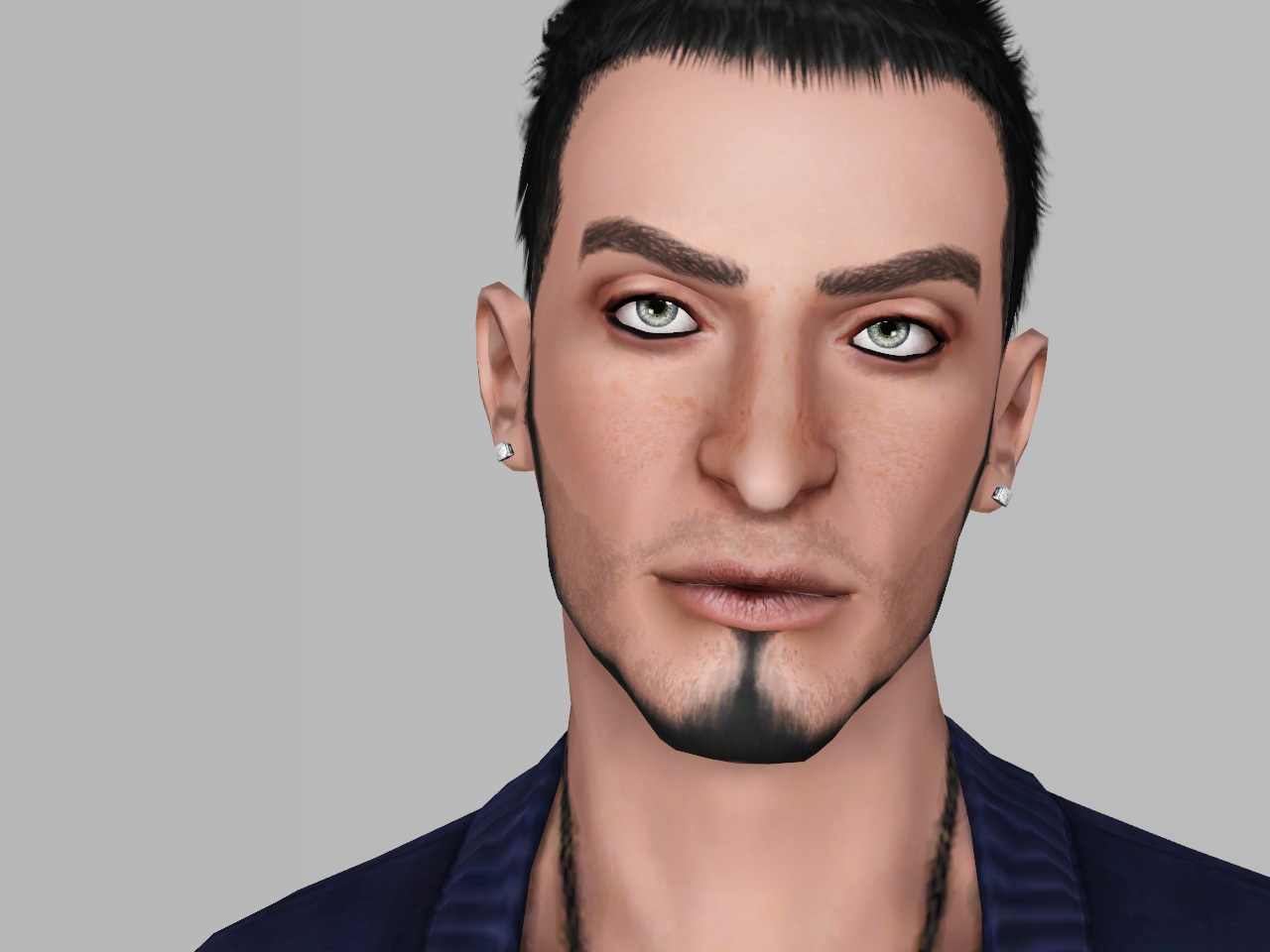
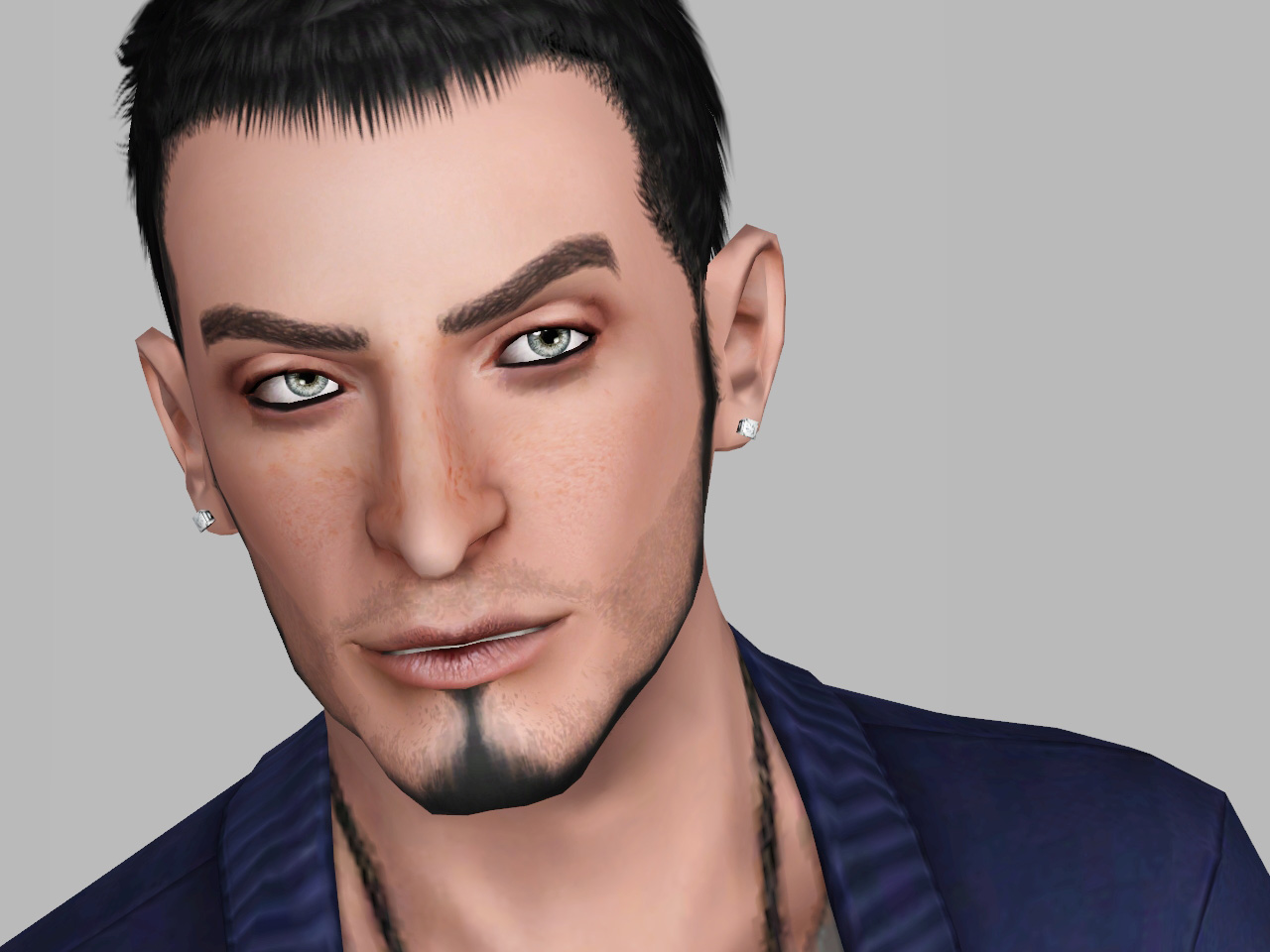
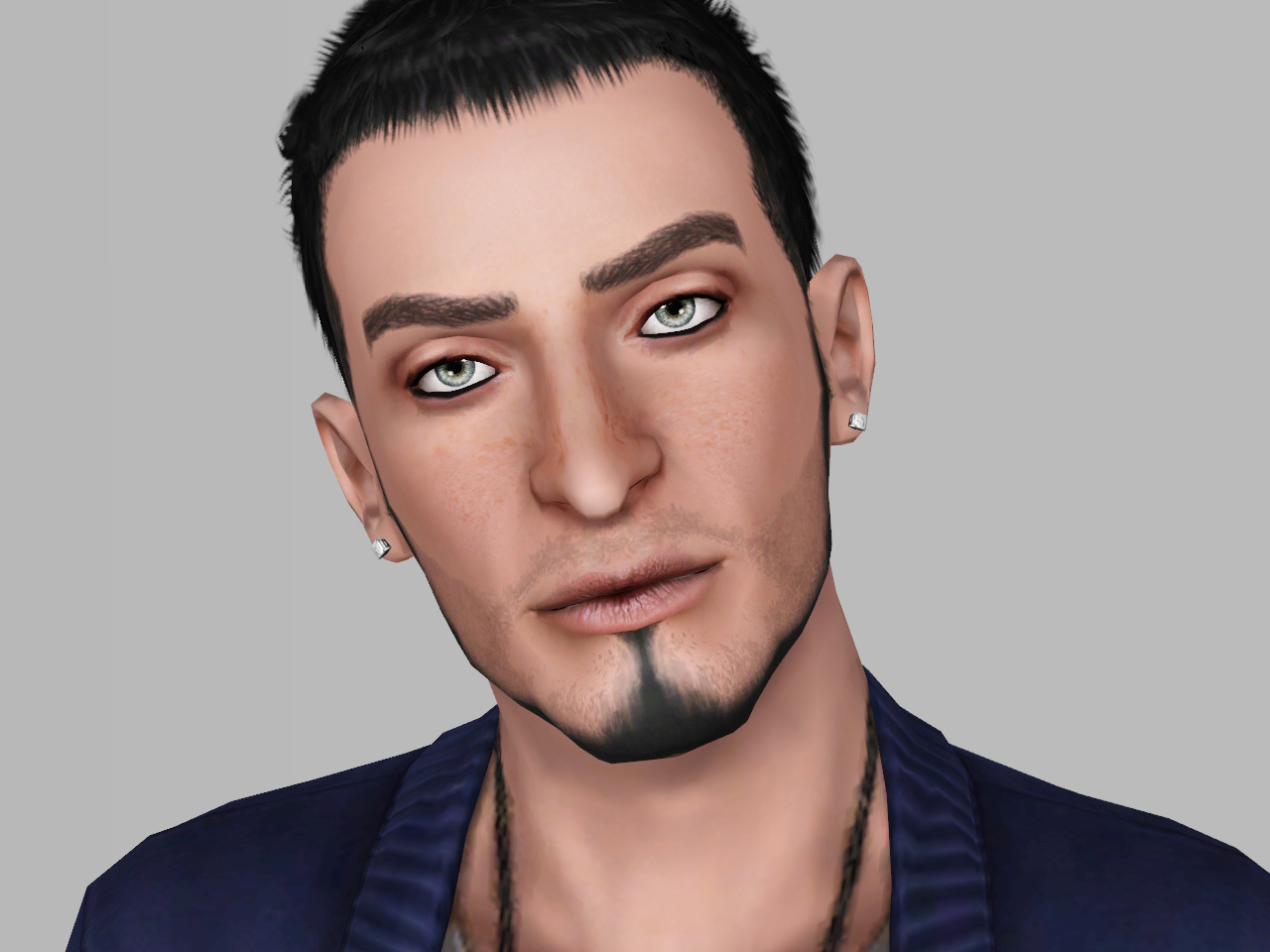
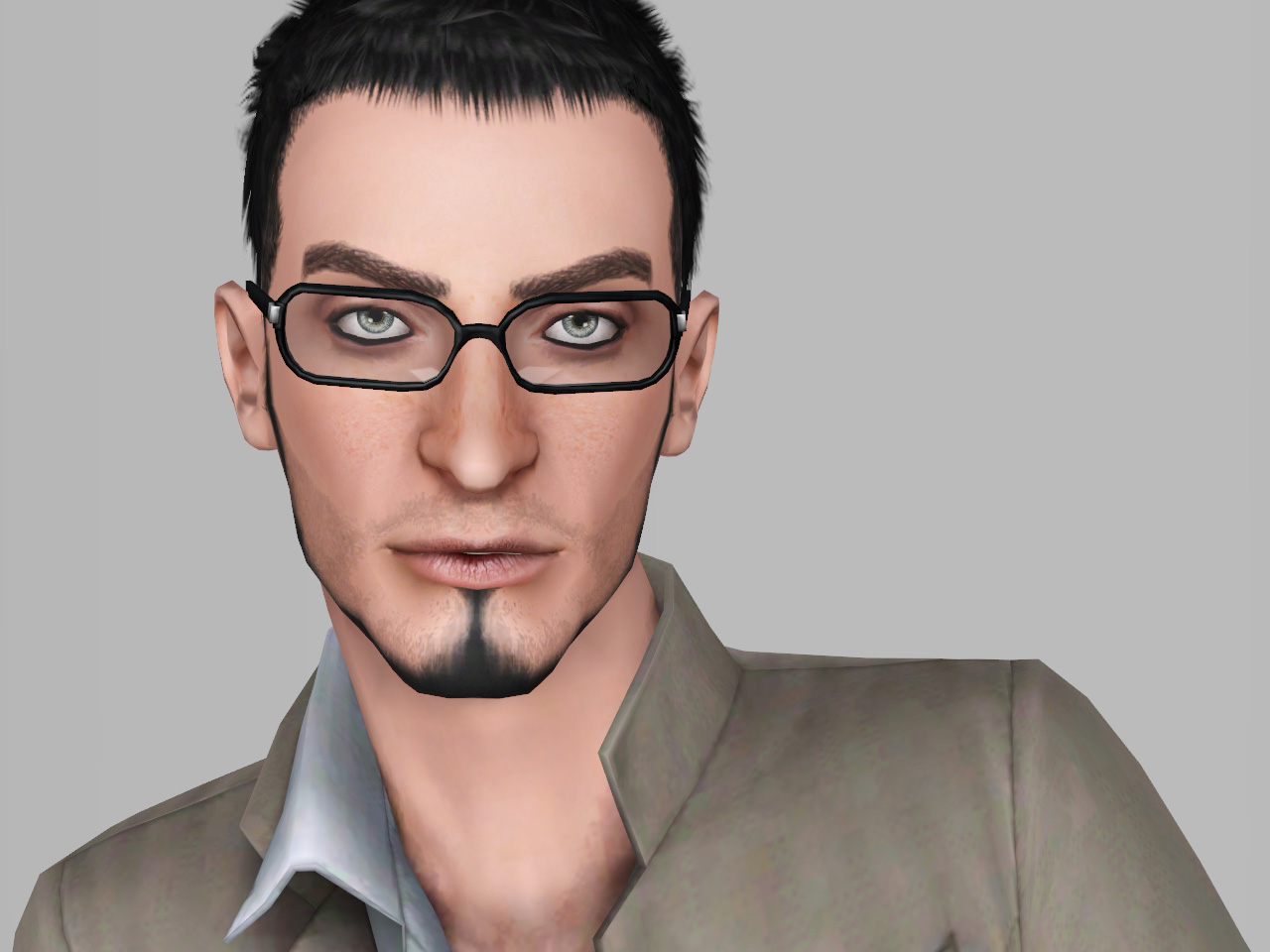
- Only this slider you will need for Fadil Facial cas sliders by bella3lek4 " or HERE
- Skin: Non deafult skin V2
- Hair:The Alex hair by the store
- Eyebrows:Default Replacement Brows " first one from the right "
- Lipstick: Dry Lips by IN3S
- Beard: Chinstrap Goatee Defaults by Kitty
- Eye contacts: "Watercolour" contacts by Elexis
- Eye Makeup: Eye Baggage by Kitty
Fixed links:
- IN3S blog no longer exists so you need to download the lips from HERE
- Awt's jaw sliders are needed to fix his mandible HERE ( Download: awtmk-ts3-slider-jawline.7z )
Note:
- His face was sculpted with the use of sliders multiplier only.Therefore do not attempt to change his face before downloading this HERE (x3) .Don't worry he will appear in your game like in the pictures without the need to download the sliders multiplier but if you want to tweak his face so you need to download the sliders multiplier.
- I have packaged this Sim with EA hair and EA default skin " The link of the non default skin included in the text, so you need to download the skin and the hair to appear in your game as in the pic. Enjoy !!
How to install:
Extract the sim. file from the zip.Place in My Documents/Electronic Arts/The Sims 3/SavedSims.
In the game, go to the Premade Sims Bin in Create A Sim (CAS).
|
Fadil_G_rkem.rar
Download
Uploaded: 5th May 2013, 390.3 KB.
4,126 downloads.
|
||||||||
| For a detailed look at individual files, see the Information tab. | ||||||||
Install Instructions
1. Click the filename or the download button to download the sim to your computer.
2. Extract the zip, rar, or 7z file.
2. Select the .sim file you got from extracting.
3. Cut and paste it into your Documents\Electronic Arts\The Sims 3\SavedSims folder. If you do not have this folder yet, it is recommended that you open the game, enter Create-a-Sim, and save a sim to the sim bin to create this folder, rather than doing so manually. After that you can close the game and put the .sim file in SavedSims
4. Once the .sim file is in SavedSims, you can load the game, and look for your sim in the premade sims bin in Create-a-Sim.
Extracting from RAR, ZIP, or 7z: You will need a special program for this. For Windows, we recommend 7-Zip and for Mac OSX, we recommend Keka. Both are free and safe to use.
Need more help?
If you need more info, see Game Help:Installing TS3 Simswiki for a full, detailed step-by-step guide! Special Installation Instructions
- If you get an error that says "This content requires expansion pack data that is not installed", please use Clean Installer to install this sim.
Loading comments, please wait...





-
-
-

"Lunar Eyes" - Contacts for all Sims
by Lunararc 29th Aug 2013 at 1:18pm
Hey guys, This time I've made new contacts for your sims. more...
-
Royal Medieval Patterns / Medieval Challenge
by Lunararc 12th Apr 2010 at 4:25pm
Hey guys ! Here's my first entry into the medieval challenge ! more...
 14
48k
123
14
48k
123
-
-
-
-

"Sugar Bun" - Female hair (Teen to Elder)
by Lunararc 16th Jul 2013 at 3:49pm
Hey guys, Finally I finished my first hair mesh after 10 days of hard working. more...
17
59.7k
271
Hair » Female » Young Adult
-
-


Packs Needed
| Expansion Pack | |
|---|---|
 | Showtime |