
 Sign in to Mod The Sims
 'Depression' v2: V.I.G.A - Custom Animations/Poses
 'Depression' v2: V.I.G.A - Custom Animations/Poses


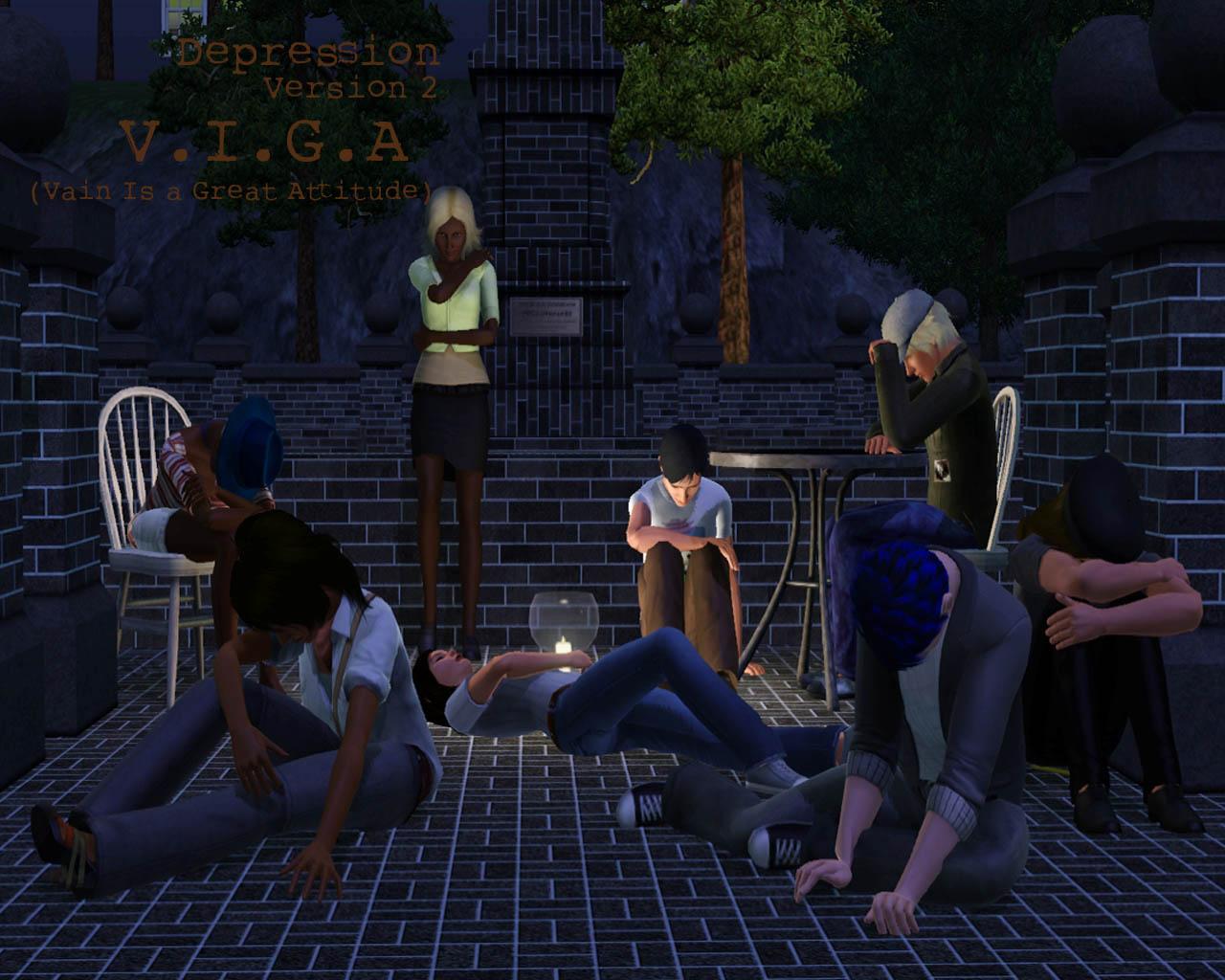
VigaLogo.jpg - width=1280 height=1024
Viga1.jpg - width=800 height=600
Viga2.jpg - width=800 height=600
Viga4.jpg - width=800 height=600
Viga5.jpg - width=800 height=600
Viga6.jpg - width=800 height=600
Viga8.jpg - width=800 height=600
Viga10.jpg - width=800 height=600
Viga3.jpg - width=800 height=600
Viga7.jpg - width=800 height=600
Viga9.jpg - width=800 height=600


 READ THIS FIRST BEFORE DOWNLOADING!!:
 -You need to have downloaded and installed cmomoney's 'Pose Player' for these custom poses to work!
Download 'Pose Player' Here: http://www.modthesims.info/download.php?t=438706
 THIS IS NOT A CORE MOD, SCRIPT MOD, OR TUNING MOD. IT WILL NOT CONFLICT!
 You are able to have other custom poses/animations with this mod installed!
 ORIGINAL VERSION: http://www.modthesims.info/download.php?t=439076
[B]Base Game Compatible!
Install this mod in the normal place: C://User/Documents/ElectronicArts/TheSims3/Mods/Packages...
These poses are all my poses, I did not re-create them from The Sims 2 like the original Depression poses! What does this do?
It does not modify any features, conflict with any existing animations, or conflict with other mods.
It is simply adding clip names into the game, it allows the Pose Player to pick up the names so the Pose Player will be able to play your animation.
FAQ
What does VIGA mean?
VIGA means 'Vain Is a Great Attitude'
Whenever I click on the PP, it says 'no interactions available'?
make sure you have your mods installed in the correct place (located above)
INSTRUCTIONS (Updated 4/14/11)
-Step One:
Make sure Pose Player is installed into your Mods/Packages Folder
-Step Two:
Buy the Pose Player, and select 'Pose By Name' and enter one of the 10 pose names (Located below or on pictures) and click the 'check'
-Step Three:
Your sim should now be in the custom pose
Names Of Poses
On Floor, hands on ground: Sr_DepressedToneViga_one
On floor, head in knees: Sr_DepressedToneViga_two
On Bed, arm on bed: Sr_DepressedToneViga_three
On bed, arm on head: Sr_DepressedToneViga_four
in chair, arm on table: Sr_DepressedToneViga_five
on floor, against couch: Sr_DepressedToneViga_six
against wall: Sr_DepressedToneViga_seven
laying on floor: Sr_DepressedToneViga_eight
in chair, head on knees: Sr_DepressedToneViga_nine
On floor, arm on knees: Sr_DepressedToneViga_ten
Credit:
Peter Jones and Inge Jones for S3PE Milkshape
Wes Howe for AnimTool-04a
cmomoney for Pose Player
orangemittens for the tutorial on custom animations/poses for Pose Player
|
SIMul8rReviews_Depression Poses v2 Viga (For Pose Player).rar
Download
Uploaded: 28th Apr 2011, 13.6 KB.
36,967 downloads.
|
||||||||
| For a detailed look at individual files, see the Information tab. | ||||||||
Install Instructions
1. Click the download button, or the filename, to download the file to your computer.
2. Extract the zip, rar, or 7z file. Now you will have either a .package or a .sims3pack file.
For Package files:
1. Cut and paste the file into your Documents\Electronic Arts\The Sims 3\Mods\Packages folder. If you do not already have this folder, you should read the full guide to Package files first: Sims 3:Installing Package Fileswiki, so you can make sure your game is fully patched and you have the correct Resource.cfg file.
2. Run the game, and find your content where the creator said it would be (build mode, buy mode, Create-a-Sim, etc.).
For Sims3Pack files:
1. Cut and paste it into your Documents\Electronic Arts\The Sims 3\Downloads folder. If you do not have this folder yet, it is recommended that you open the game and then close it again so that this folder will be automatically created. Then you can place the .sims3pack into your Downloads folder.
2. Load the game's Launcher, and click on the Downloads tab. Find the item in the list and tick the box beside it. Then press the Install button below the list.
3. Wait for the installer to load, and it will install the content to the game. You will get a message letting you know when it's done.
4. Run the game, and find your content where the creator said it would be (build mode, buy mode, Create-a-Sim, etc.).
Extracting from RAR, ZIP, or 7z: You will need a special program for this. For Windows, we recommend 7-Zip and for Mac OSX, we recommend Keka. Both are free and safe to use.
Need more help?
If you need more info, see:
- For package files: Sims 3:Installing Package Fileswiki
- For Sims3pack files: Game Help:Installing TS3 Packswiki
Loading comments, please wait...
Uploaded: 28th Apr 2011 at 5:22 PM
Updated: 3rd Jan 2012 at 2:32 AM by SIMul8rReviews - adjustments to the overview page
#Custom Poses, #Poses, #Depression, #Drama, #Over-Emotional, #Sad, #Machinima, #Animations, #Hurting, #Heartless
-
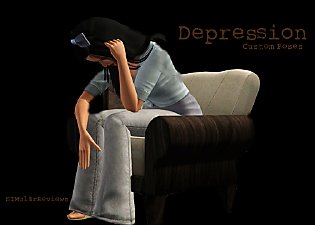
'Depression' Sims 3 Custom Animations/Poses - Sims 2 Recreation
by chasmchronicle 8th Apr 2011 at 1:44am
 85
189.5k
239
85
189.5k
239
-
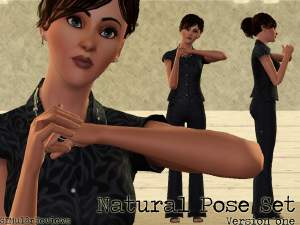
The Natural Pose Set v1 - Custom Animations/Poses
by chasmchronicle 10th Apr 2011 at 9:34pm
19
73.9k
70
-
by spladoum updated 6th Jun 2011 at 6:12pm
22
70.9k
109
-
Mix & Match: Some more Flamenco (couple) Poses, Part 2
by Franniez Sims 7th Jul 2012 at 9:06pm
15
42.5k
66
-

by meagansterno 8th Jul 2014 at 11:39am
19
76.4k
113
-
-
-
-
by k2m1too updated 10th Jan 2021 at 9:31pm
3
6.1k
18
-
by jessesue 7th Sep 2025 at 2:22pm
2
1k
1

-
Dirty -- 11 exotic dancing poses
by Puss 'N Heels 22nd Jul 2014 at 11:24am
Shake it, shake it, shake it like a Polaroid picture! more...
13
80.4k
146
-
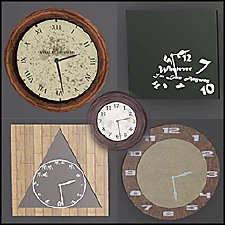
Five O'Clock Somewhere — A Clock Set
by chasmchronicle 10th Dec 2013 at 9:59pm
A set of five completely diverse clocks! more...
10
18.3k
82
-


Call of Duty: Zombies - Fluffy
by chasmchronicle 11th Aug 2012 at 1:36pm
Fetch me their souls! more...
-
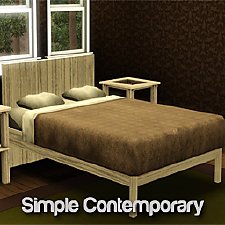
by chasmchronicle 13th Jun 2012 at 5:00pm
Something simple, very simple, for your sims' bedroom! more...
-
by chasmchronicle 20th Jul 2011 at 10:37am
Choose from 8 new, unique poses for the bathtub..and your sims of course. more...
31
152.6k
213
-
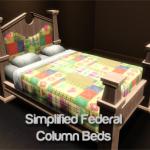
Simplified Federal Column Beds
by chasmchronicle 11th Jun 2012 at 3:13am
A simpler bed frame for these royal type double and single beds! more...
19
17.6k
45
-
TS2 -> TS3 Loading Screen Themes
by chasmchronicle 1st Jul 2012 at 10:11pm
Choose from 9 different flavors of TS2 Loading Screen Themes! (Base Game Compatible!) more...
-
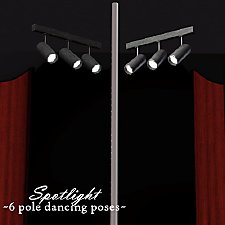
Spotlight -- 6 Exotic Dance Poses
by Puss 'N Heels 4th Jan 2015 at 8:59pm
Another small set of pole dancing poses, with a focus on inversions and splits. more...
2
38.7k
75
-
by chasmchronicle 27th Jun 2012 at 4:50pm
Give your microwaves something to show off! more...
15
65.1k
422
-
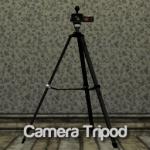
by chasmchronicle updated 9th Feb 2012 at 4:05pm
Ever needed something that will make your camera positions not wobbly? Or maybe even just for decoration.. *Updated 2/9/12* more...
38
98.4k
189

