
 Sign in to Mod The Sims
 Witches Thrones [CEP-Extra]
 Witches Thrones [CEP-Extra]


thrones-cep.jpg - width=1280 height=800
thrones-cep-thumb.jpg - width=256 height=256

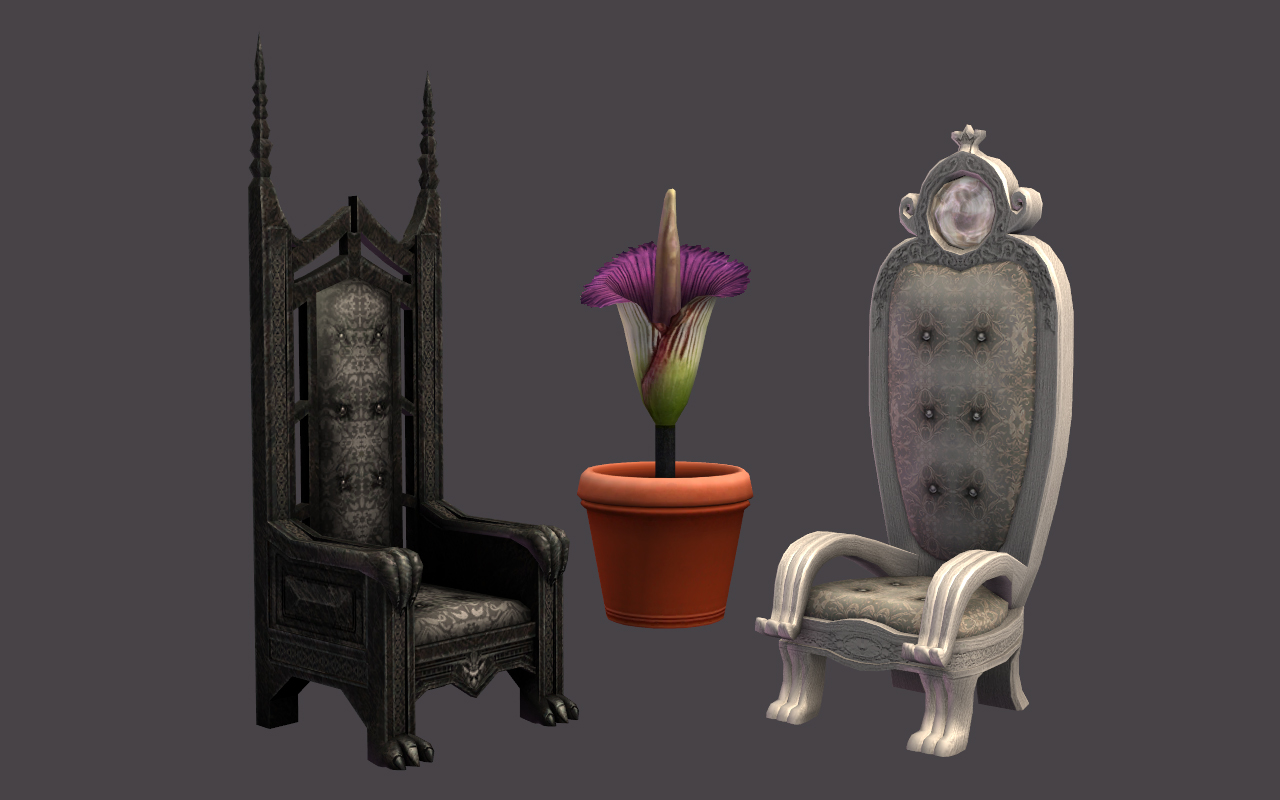
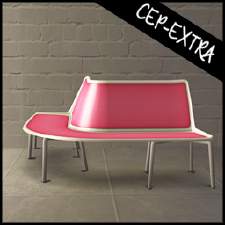
Ungodly large plant shown for size comparison.

This now has two subsets: chair (original) and frame (new). Any existing recolors will recolor only the chair, not the frame. EA mixed up the orb colors for the Good Witches Throne; originally the blue cushion had the pink orb and the pink cushion had the blue orb. I've included the two TXTR files as overrides so all colors of the chair match.
 Installation!
HL_CEP_al-witchThrones-pfiles - Install this in C:\Program Files (x86)\EA GAMES\The Sims 2\TSData\Res\Catalog\zCEP-EXTRA.
HL_CEP_al-witchThrones - Install this in \Documents\EA Games\The Sims 2\zCEP-EXTR
|
HL_CEP_al-witchThrones.7z
Download
Uploaded: 8th May 2019, 202.3 KB.
2,093 downloads.
|
||||||||
| For a detailed look at individual files, see the Information tab. | ||||||||
Install Instructions
1. Download: Click the download link to save the .rar or .zip file(s) to your computer.
2. Extract the zip, rar, or 7z file.
3. Place in Downloads Folder: Cut and paste the .package file(s) into your Downloads folder:
- Origin (Ultimate Collection): Users\(Current User Account)\Documents\EA Games\The Sims™ 2 Ultimate Collection\Downloads\
- Non-Origin, Windows Vista/7/8/10: Users\(Current User Account)\Documents\EA Games\The Sims 2\Downloads\
- Non-Origin, Windows XP: Documents and Settings\(Current User Account)\My Documents\EA Games\The Sims 2\Downloads\
- Mac: Users\(Current User Account)\Documents\EA Games\The Sims 2\Downloads
- Mac x64: /Library/Containers/com.aspyr.sims2.appstore/Data/Library/Application Support/Aspyr/The Sims 2/Downloads
- For a full, complete guide to downloading complete with pictures and more information, see: Game Help: Downloading for Fracking Idiots.
- Custom content not showing up in the game? See: Game Help: Getting Custom Content to Show Up.
- If you don't have a Downloads folder, just make one. See instructions at: Game Help: No Downloads Folder.
Loading comments, please wait...


 View with Names
Uploaded: 25th Apr 2019 at 11:35 PM
Updated: 8th May 2019 at 7:31 PM
-
Books First for Learning - [CEP Extra]
by dharden updated 1st Jan 2019 at 12:43am
 +1 packs
3 11.9k 18
+1 packs
3 11.9k 18 Seasons
-
by Klaartje 5th Jun 2017 at 1:39pm
5
11.8k
18
-
by gdayars 28th Oct 2017 at 12:10am
6
13.6k
31
-
by HugeLunatic updated 2nd Apr 2024 at 11:12am
+1 packs
8 26.5k 12 Apartment Life
-
by HugeLunatic updated 24th Jun 2021 at 10:40pm
+1 packs
14 24.3k 44 Kitchen & Bath
-
by HugeLunatic 1st Feb 2019 at 1:58pm
+1 packs
3 13.2k 28 Bon Voyage
-
by HugeLunatic updated 30th Mar 2025 at 5:03pm
+1 packs
4 7.2k 22 Pets
Pets
-
Moroccan Door/Arch [CEP-Extra]
by HugeLunatic 14th May 2020 at 7:45pm
+1 packs
1 4.6k 11 Mansion and Garden
-
-
by HugeLunatic updated 12th Nov 2022 at 6:28pm
+1 packs
3 3.4k 13 Free Time


-
by HugeLunatic 31st Oct 2009 at 5:43pm
A small add on set of Medieval furniture to match the UNI set. more...
+1 packs
54 91.1k 133 University
-
Rectilinear Poly-Hole [CEP-EXTRA]
by HugeLunatic 17th Nov 2013 at 10:59pm
I'm kind of stuck on the Pets Atomic set. more...
+1 packs
3 11.1k 22 Pets
-
AL Bohemian Bedskirt & Drape Recolor Override
by HugeLunatic 30th May 2009 at 6:10pm
This is strictly an override for the default colors of the bed drape and skirt only!! more...
+1 packs
8 28k 38 Apartment Life
-
by HugeLunatic 1st Oct 2012 at 10:04pm
Just something a little different and fun, "Caon's Stuffed Freezer Bunny" from M&G turned into a pet pillow! more...
+1 packs
21 32.6k 87 Pets
-
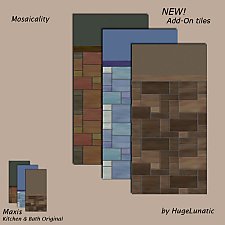
by HugeLunatic 12th Dec 2008 at 2:01pm
I like most all of the tiles that came with Kitchen & Bath, except that all the tiles don't go more...
30
53.9k
162
-
by HugeLunatic updated 12th Feb 2025 at 4:11pm
+3 packs
5 8.2k 31 Pets
Seasons
Bon Voyage
-
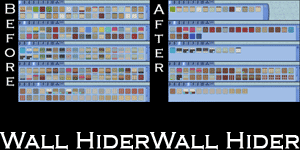
by HugeLunatic 21st Sep 2010 at 1:39am
Basically EA gave us recolors of each wall template and filled up the catalog to make it look like we more...
 51
141.4k
253
51
141.4k
253
-
by HugeLunatic 18th Dec 2010 at 10:42pm
Toscana Piccolo Google tells me that translates to Small Tuscan, but I know Google can be quite erratic in it's more...
+3 packs
13 13.8k 27 World Adventures
 Ambitions
 Late Night
-
by HugeLunatic 14th Feb 2016 at 7:50pm
A fun a quirky coffee table. A small coffee table, both in height and width! more...
9
7.4k
20
-
by HugeLunatic 8th May 2018 at 5:44pm
The Molded Sectional by WorldMold with added subset. This now makes the seat and frame recolorable separately. more...
+1 packs
7 10.8k 23 Nightlife


Packs Needed
| Expansion Pack | |
|---|---|
| Apartment Life |
About Me
Pet Stories || Dog Agility Items? || Castaway Stories || Holy Simoly Extras
4esf Archive || Holy Simoly Archive || CEP-Extras List || Buyable Game Objects
lunie content from GoS/s2a
 Installation of CEP Extras
-the package with pfiles appended to the name will go into your cep extras folder where your game is installed (typically c drive, you do you)
-the other goes in CEP extra folder in documents.
The following locations are what I am aware of, beyond that you'll have to do some searching.
Downloads Folder:
C:\Users\<user>\Documents\EA Games\The Sims 2 Legacy
C:\Users\<user>\Documents\EA Games\The Sims 2 Ultimate Collection
With multiple launchers, the location for your game install will vary.
C:\Program Files\EA GAMES\The Sims 2 Legacy\TSData\Res\Catalog\zCEP-EXTRA
C:\Program Files\EA GAMES\The Sims 2\TSData\Res\Catalog\zCEP-EXTRA
C:\Program Files (x86)\EA GAMES\The Sims 2\TSData\Res\Catalog\zCEP-EXTRA